Messages
Send For Shortlisted
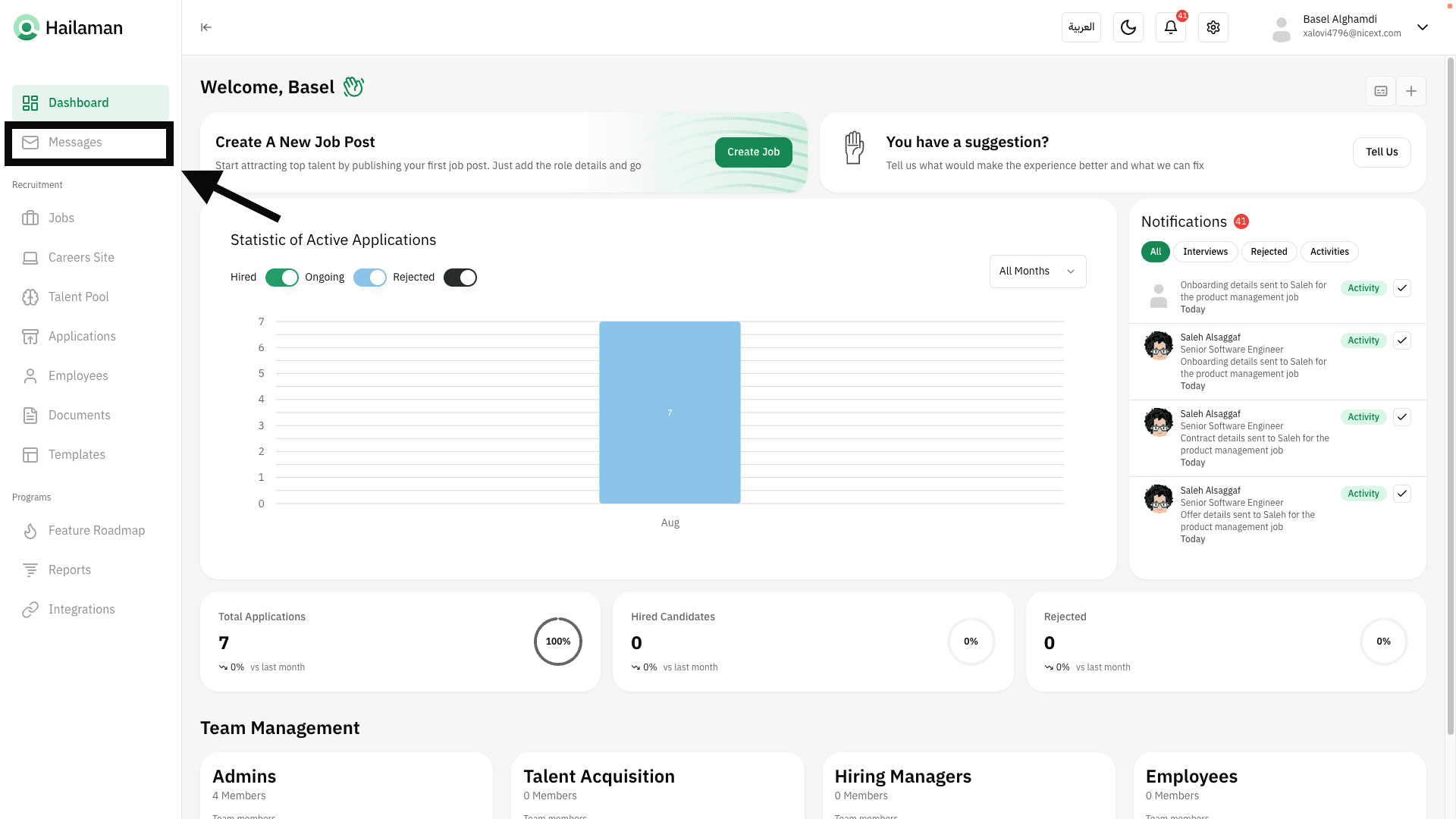
Click on “Messages” from the sidebar.
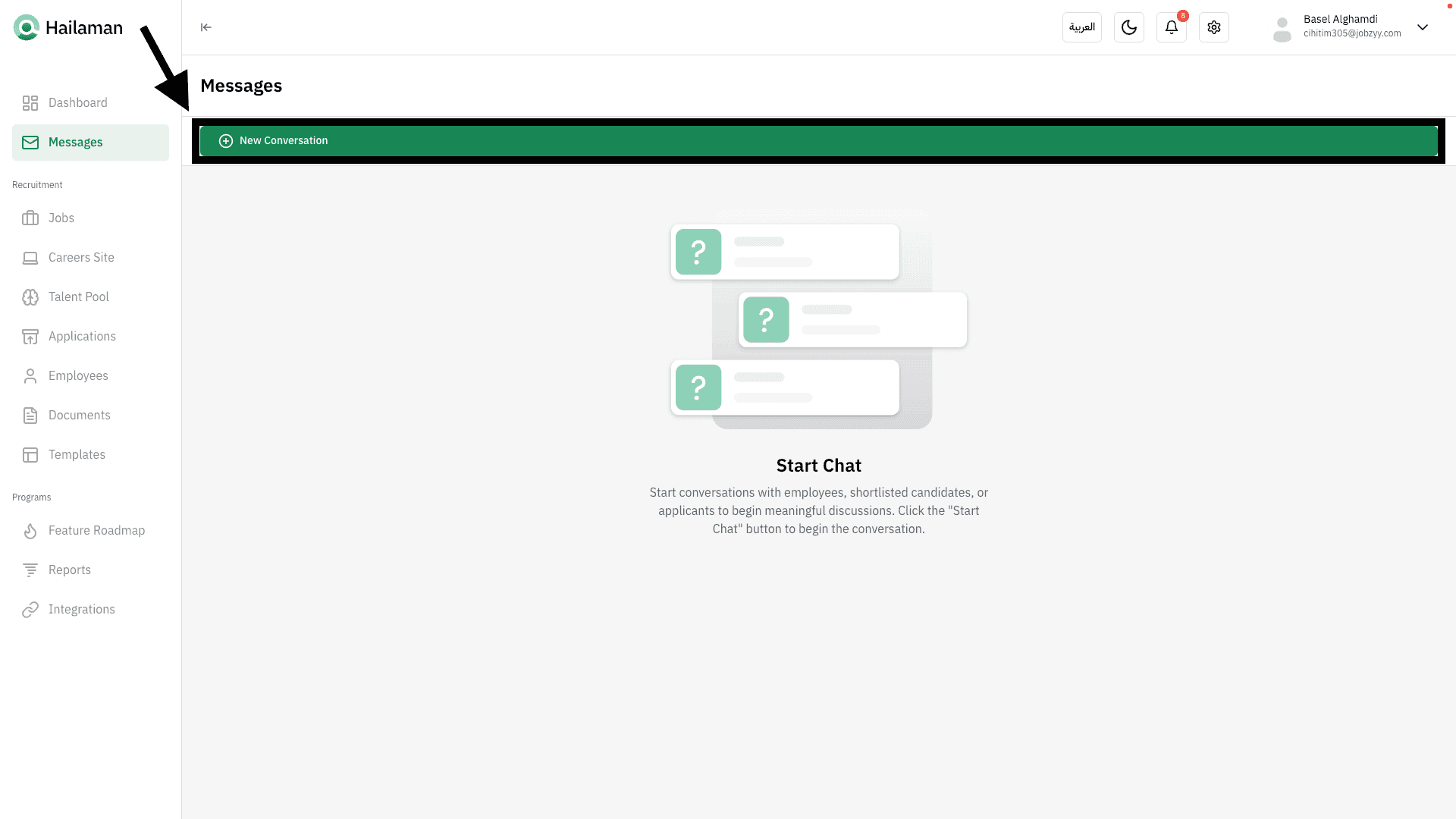
From here, you can click on “New Conversation”.
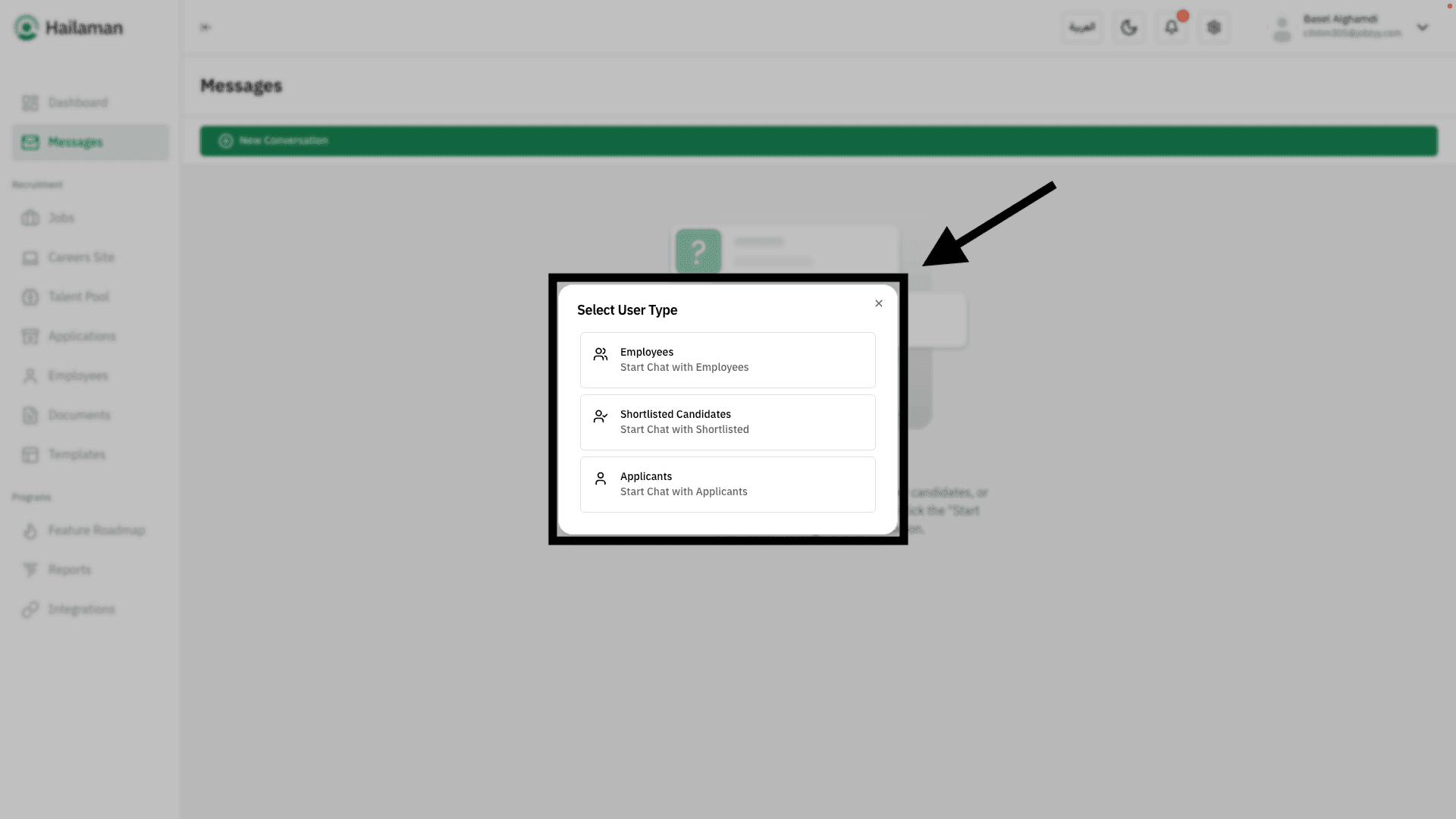
A list of user types you can message will appear.
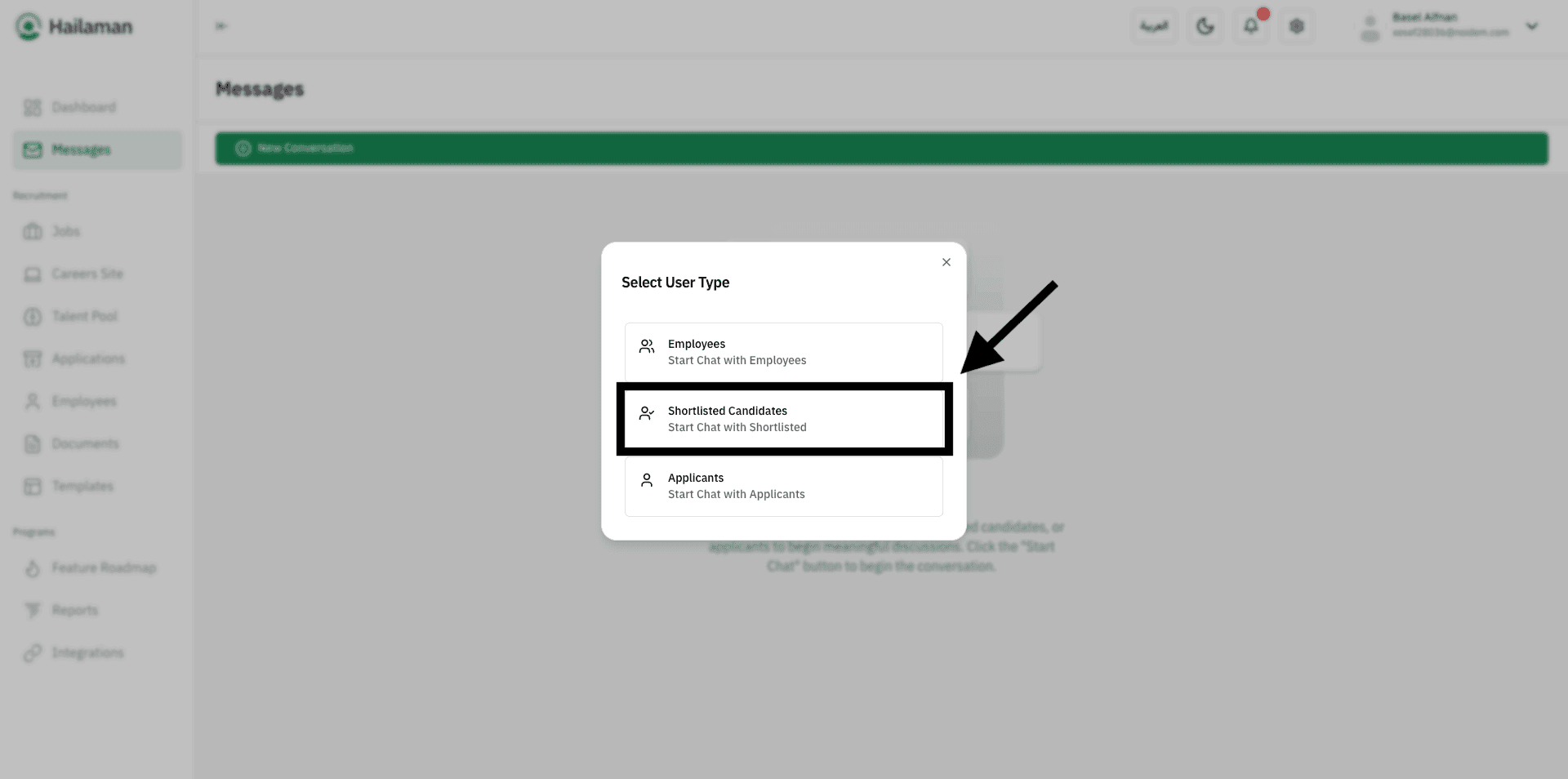
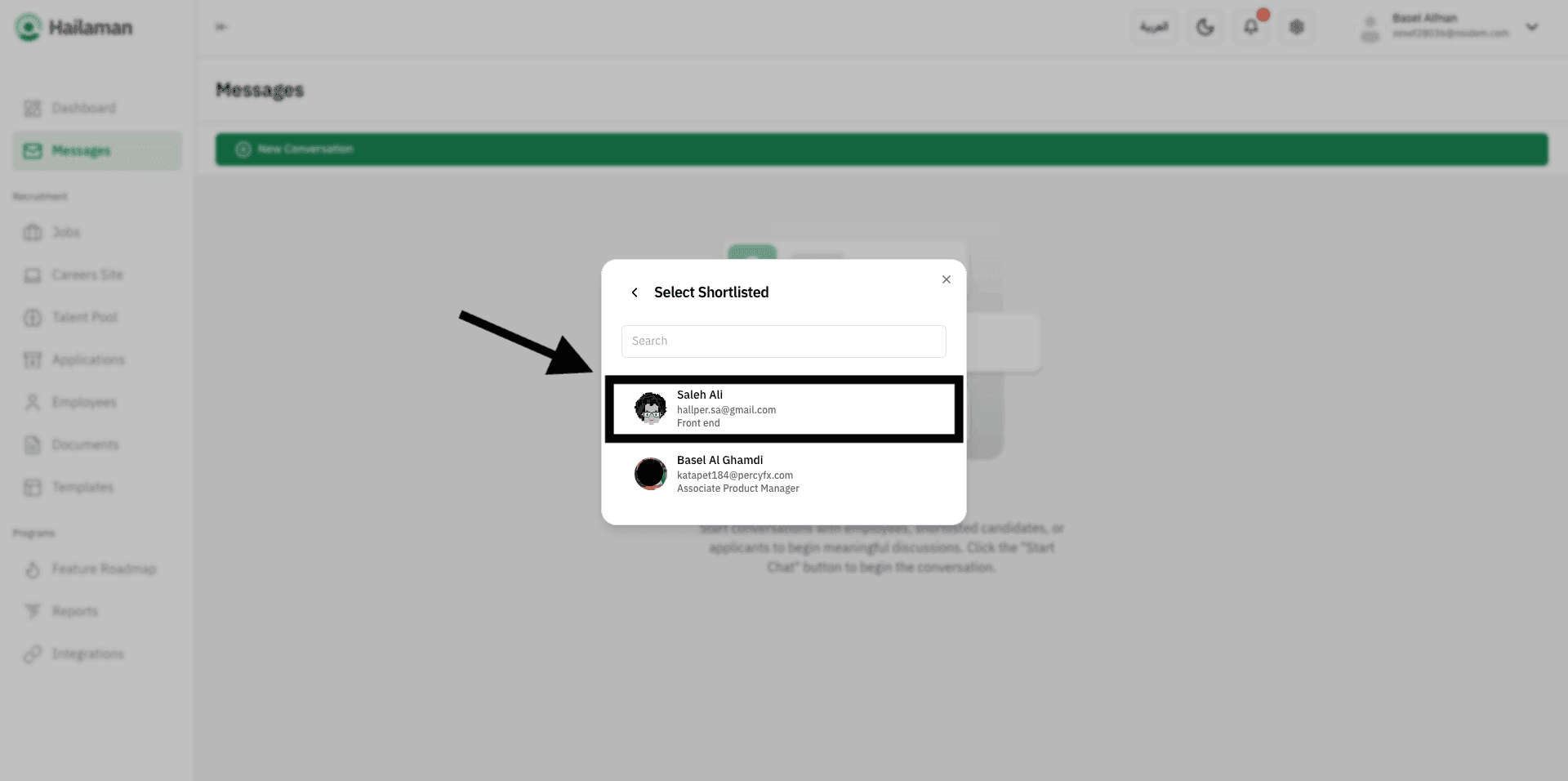
Click on “Selected Candidates” to start a conversation with a candidate.
You can view your registered candidates and select the one you want to start a conversation with.
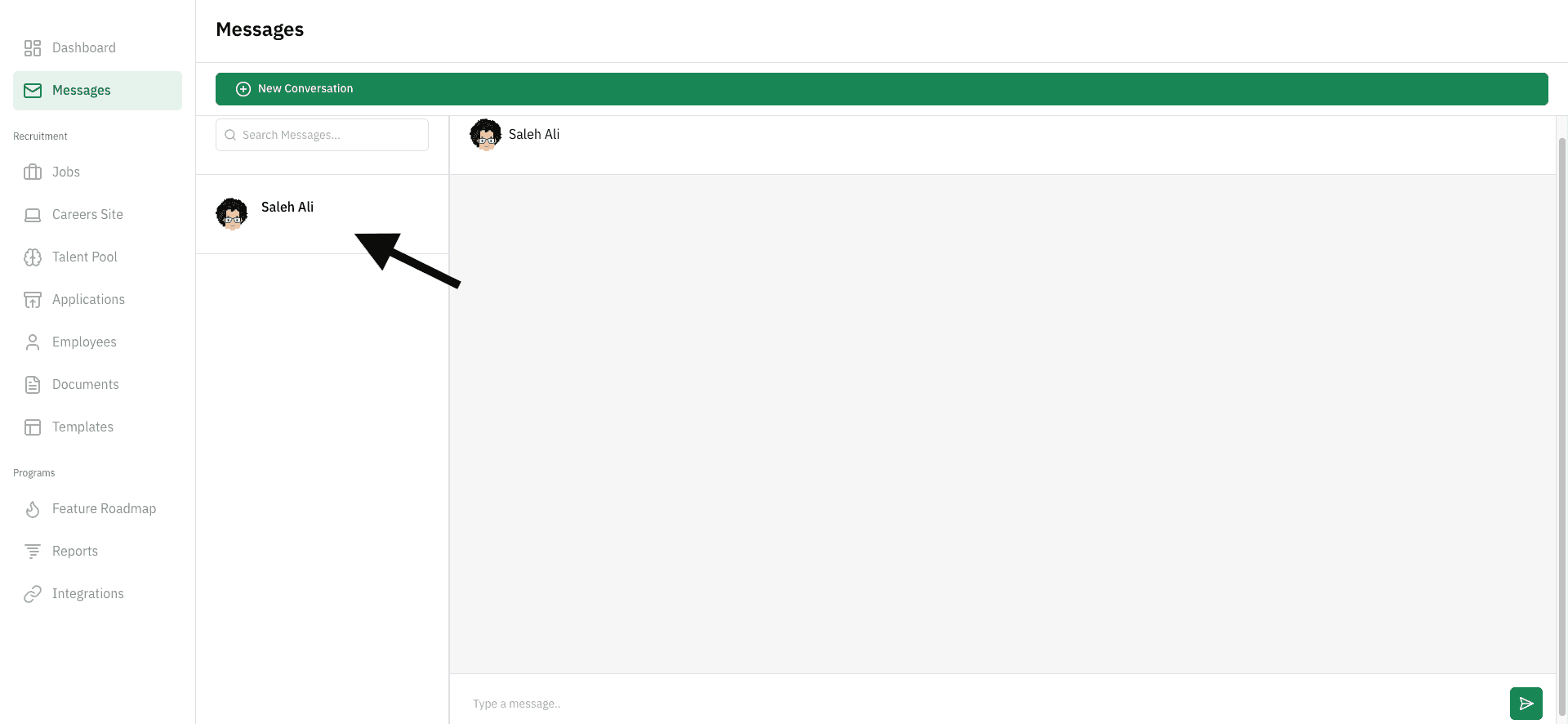
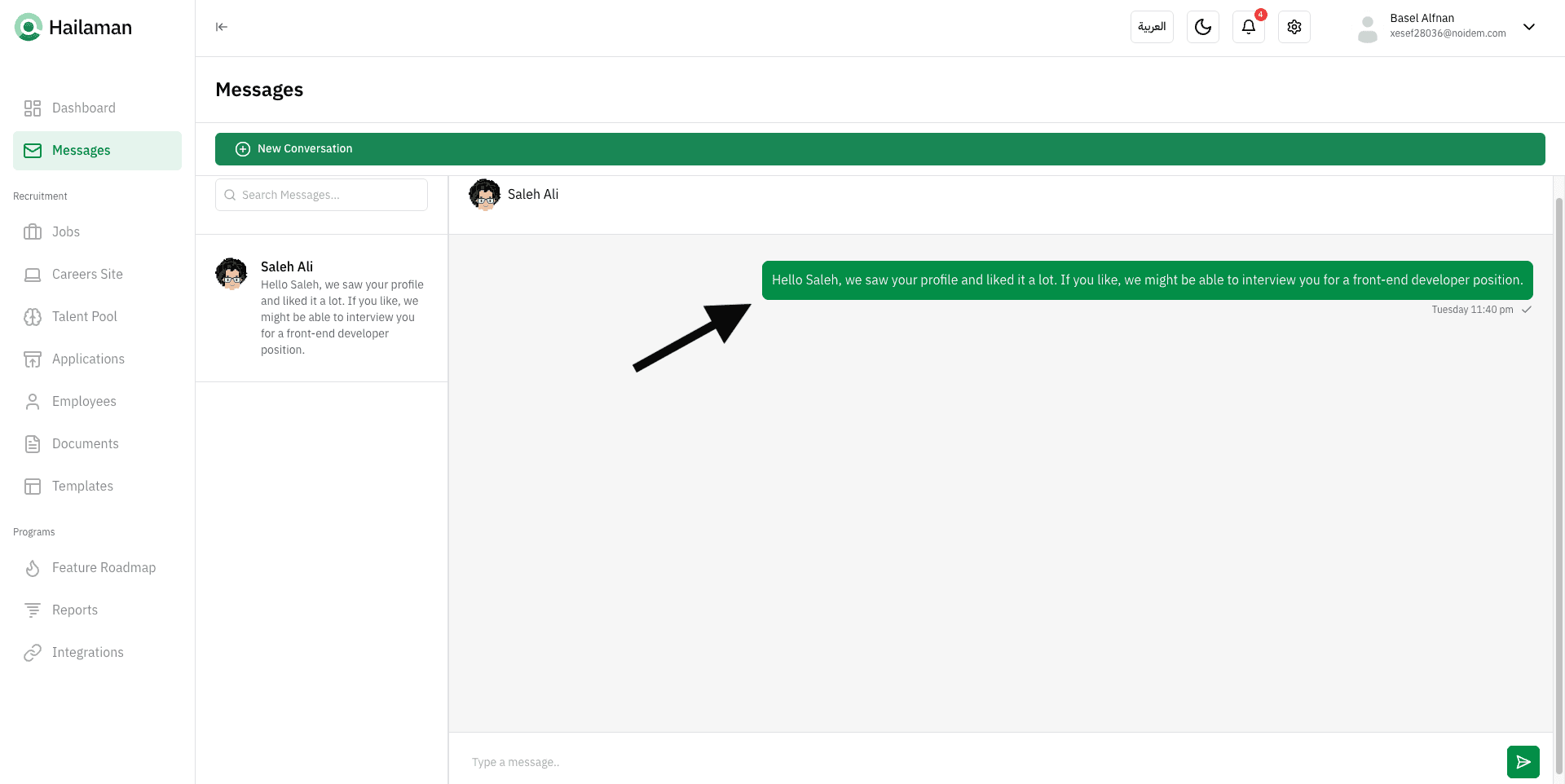
The conversation will then open, and you can begin messaging the candidate.
Join Us Hailaman ATS
Any other questions? Get in touch