Career Site
Build Career Site
Click on “Careers Site” from the sidebar.
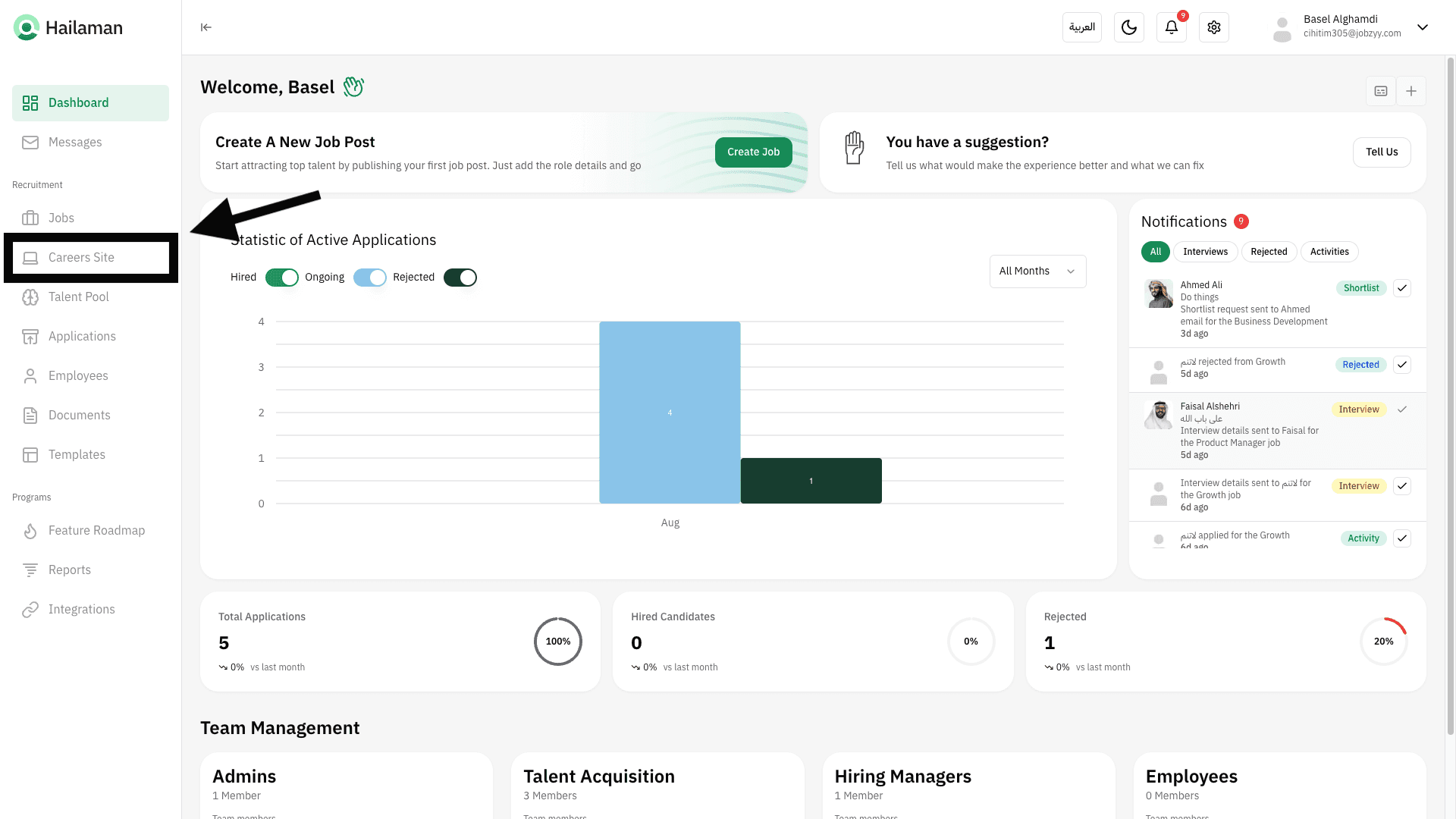
Click on “Open Site Builder” to start creating the page.
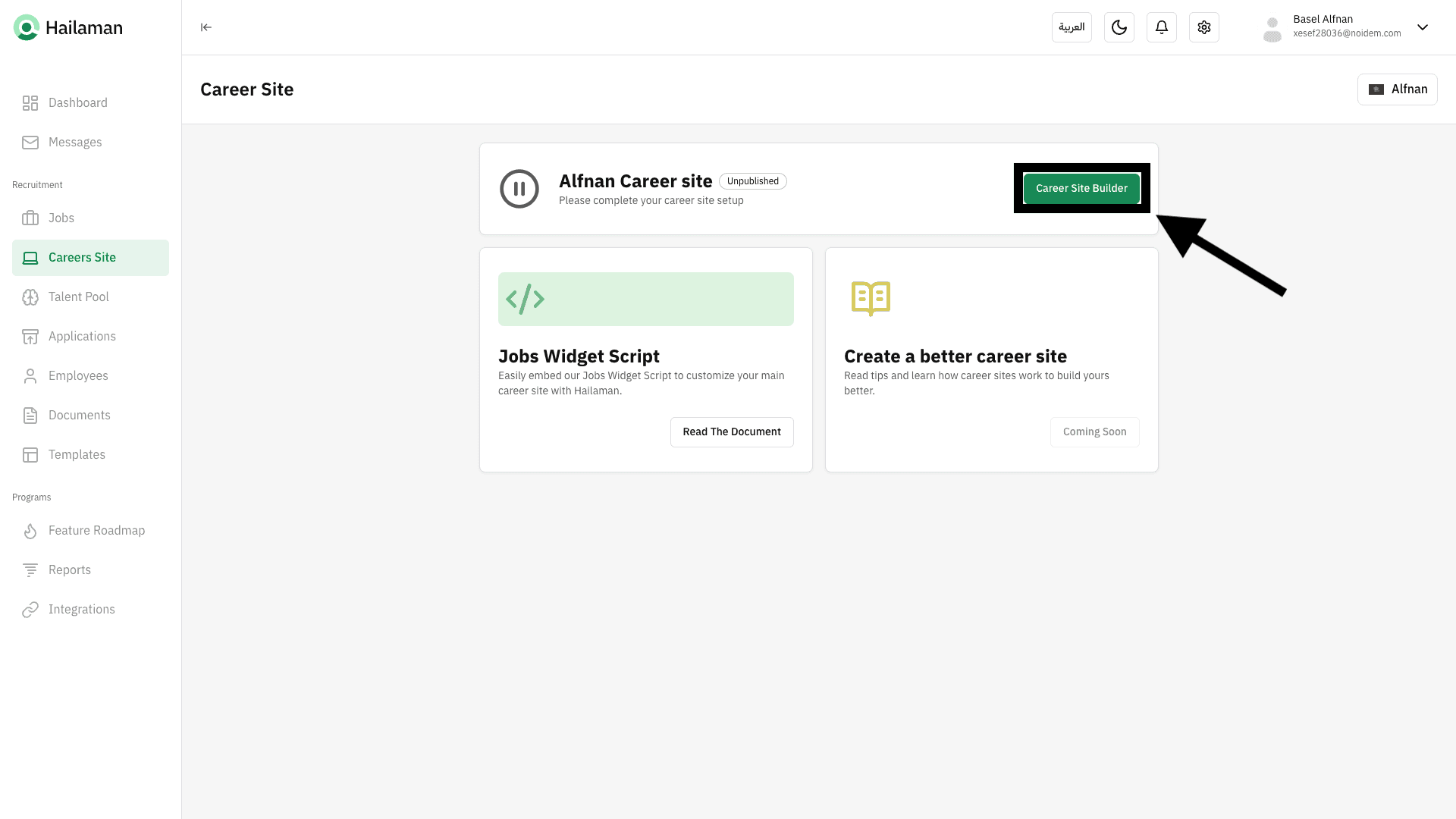
The content editor for the Careers Page will appear, where you can fully set it up to match your company.
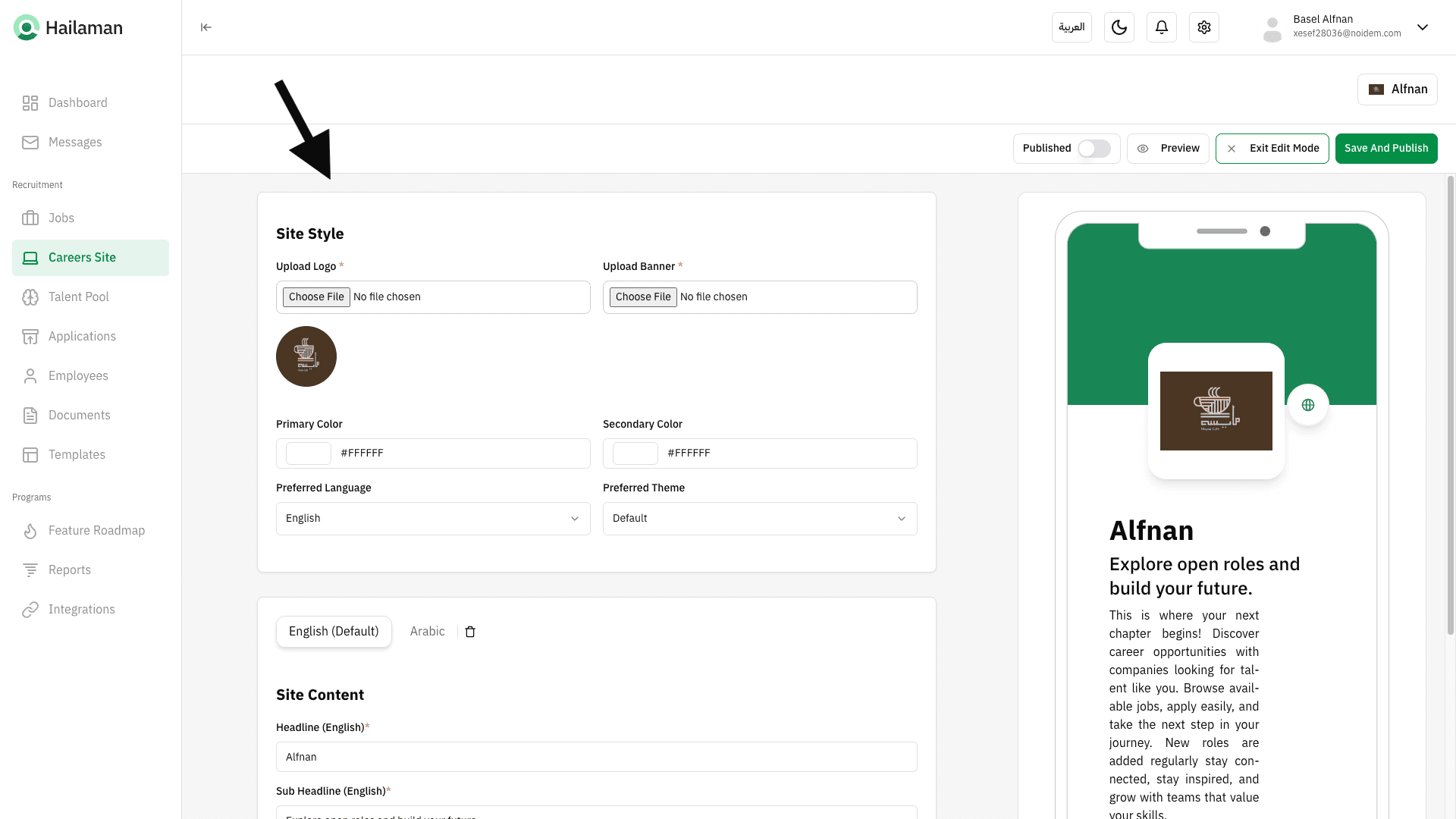
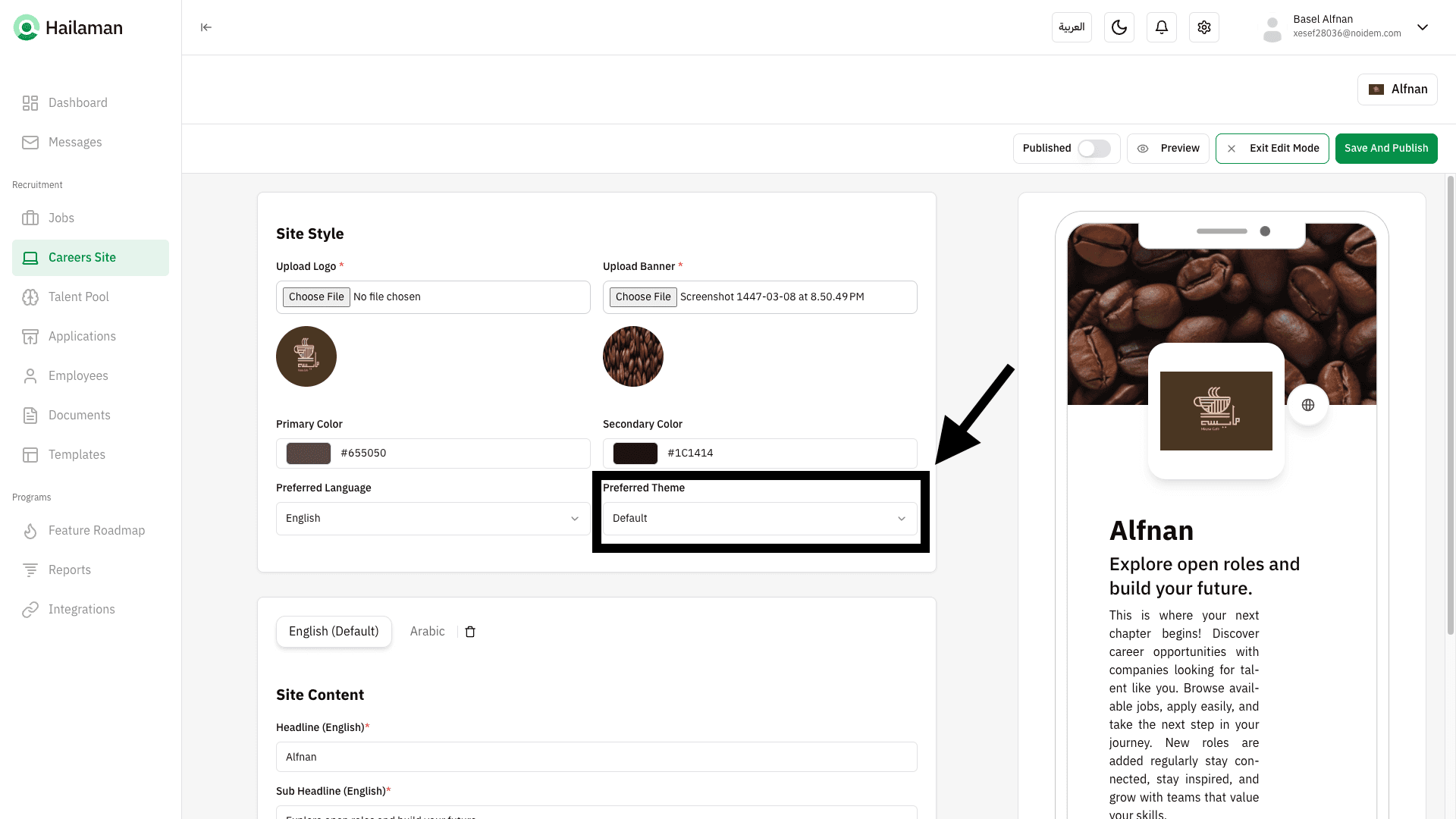
From here, you can add the company logo.
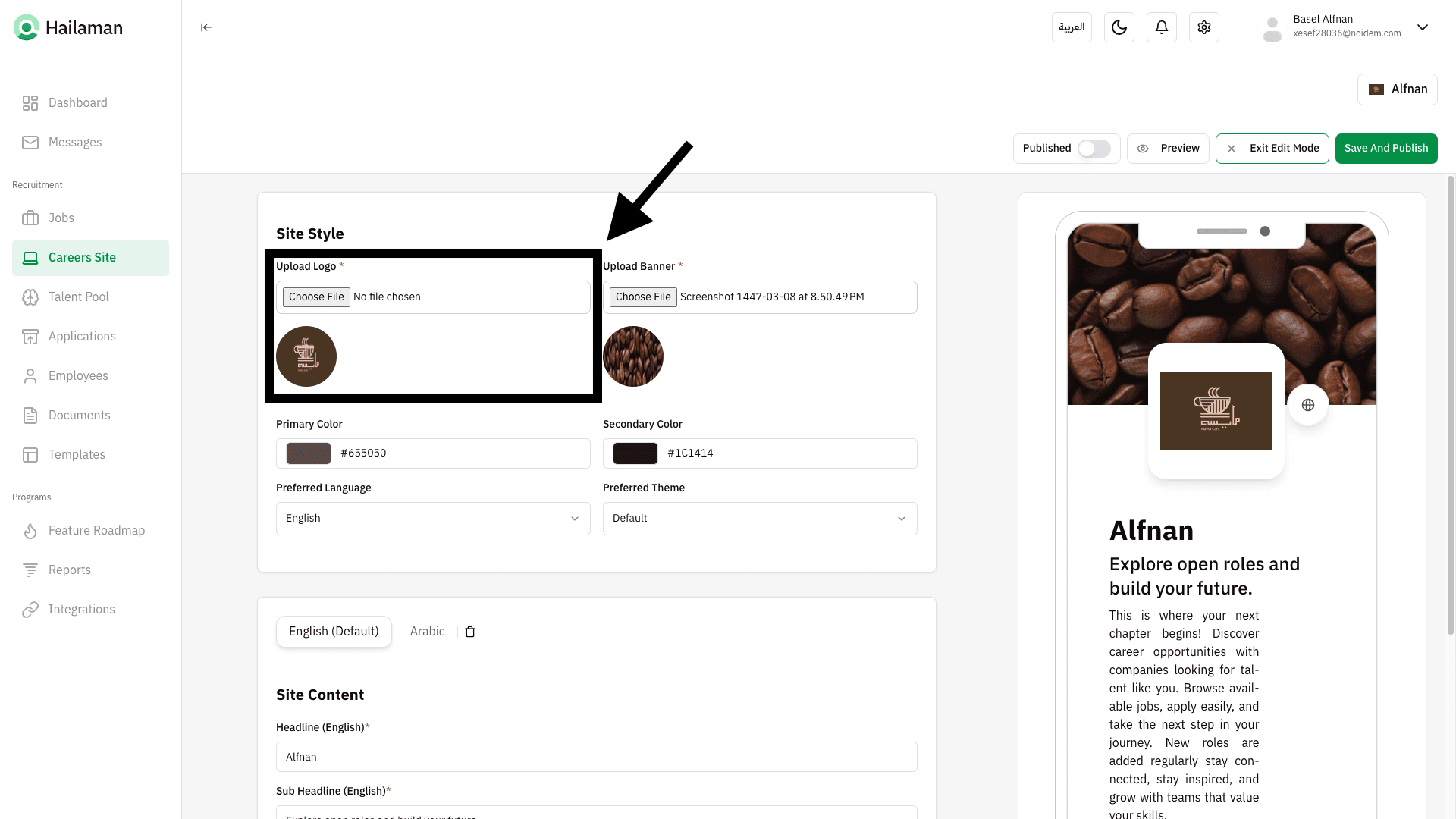
From here, you can add the background banner on the site.
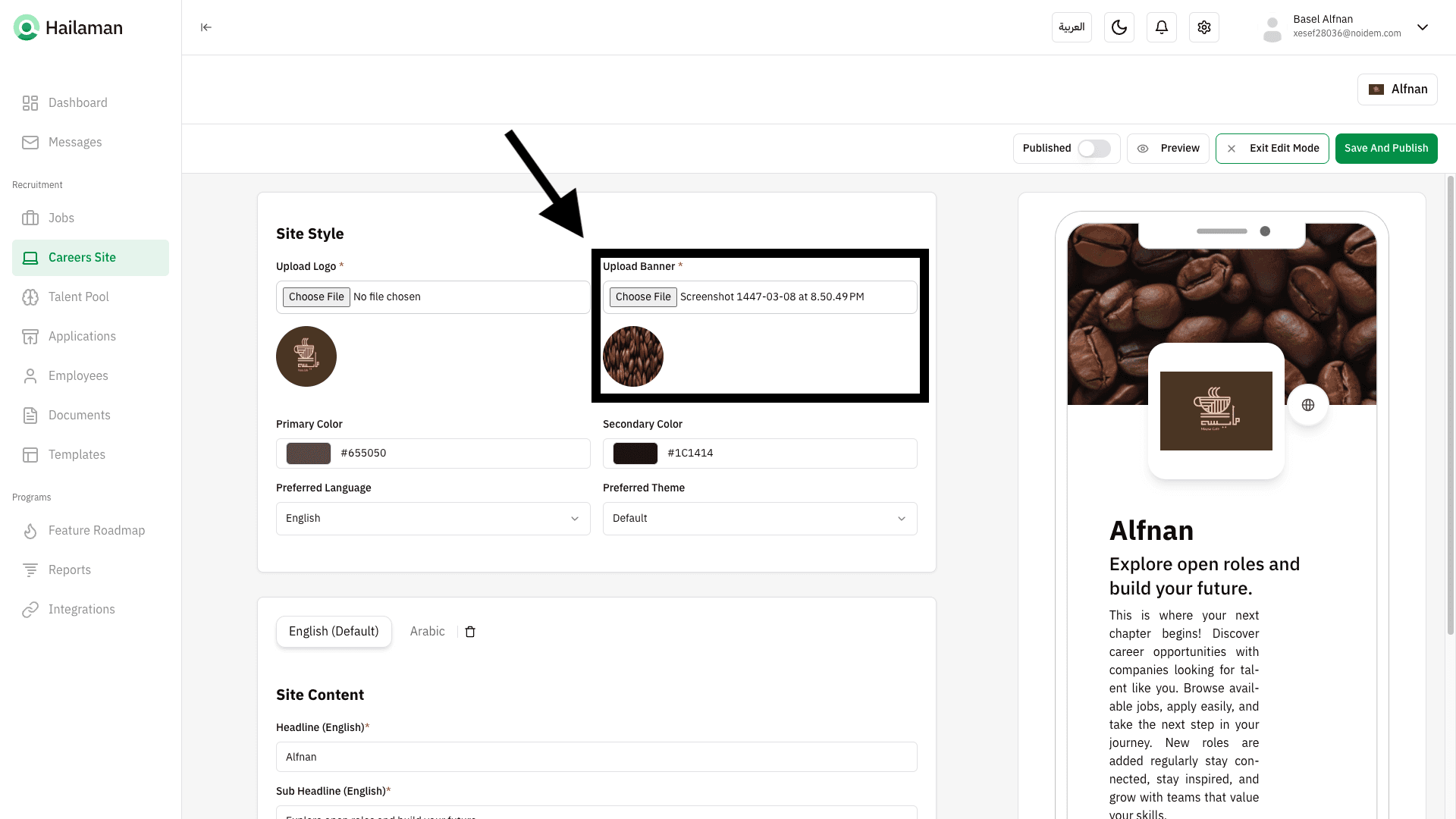
From here, you can set the primary colors for all icons on the site.
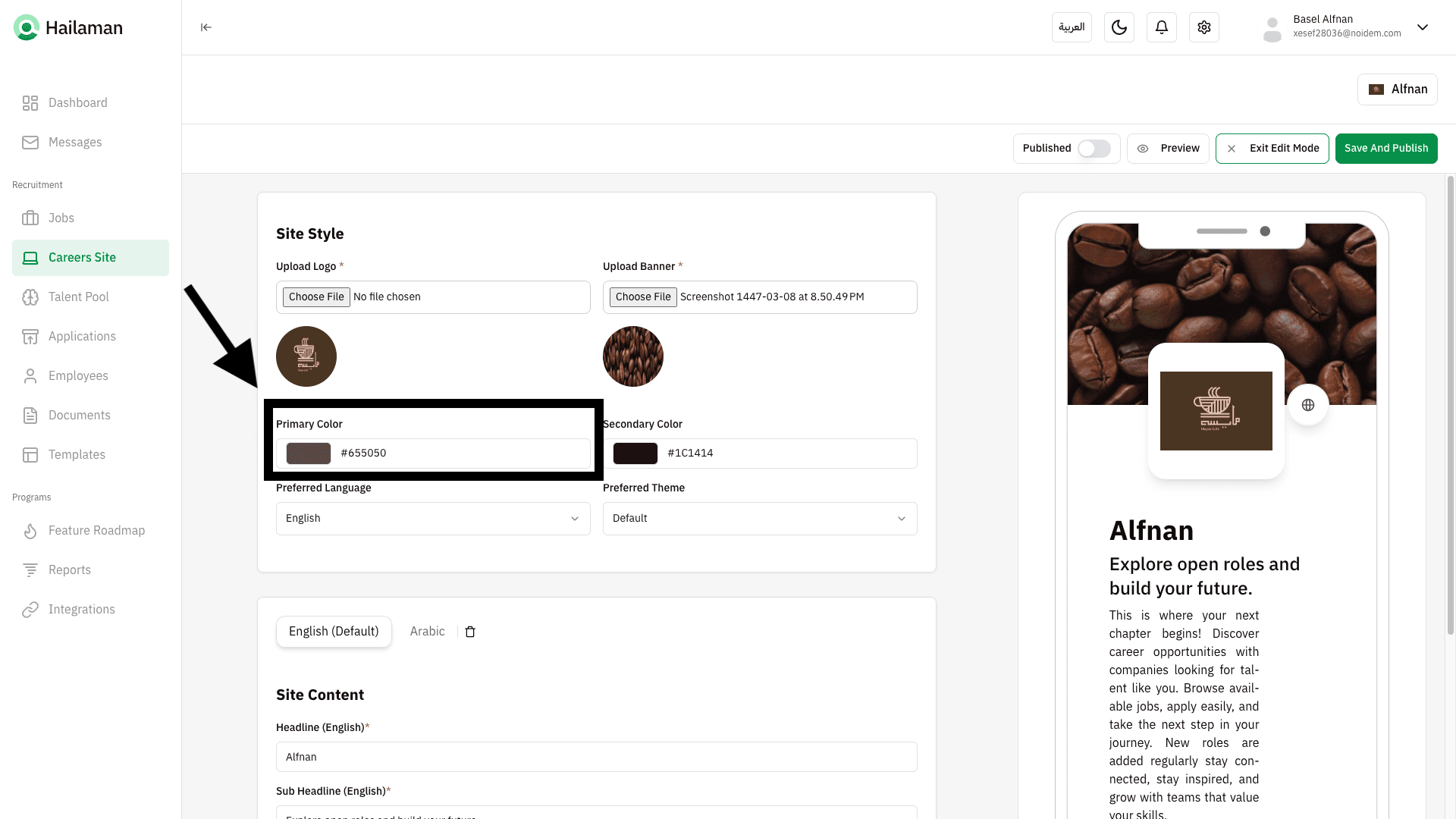
From here, you can set the background banner colors on the site.
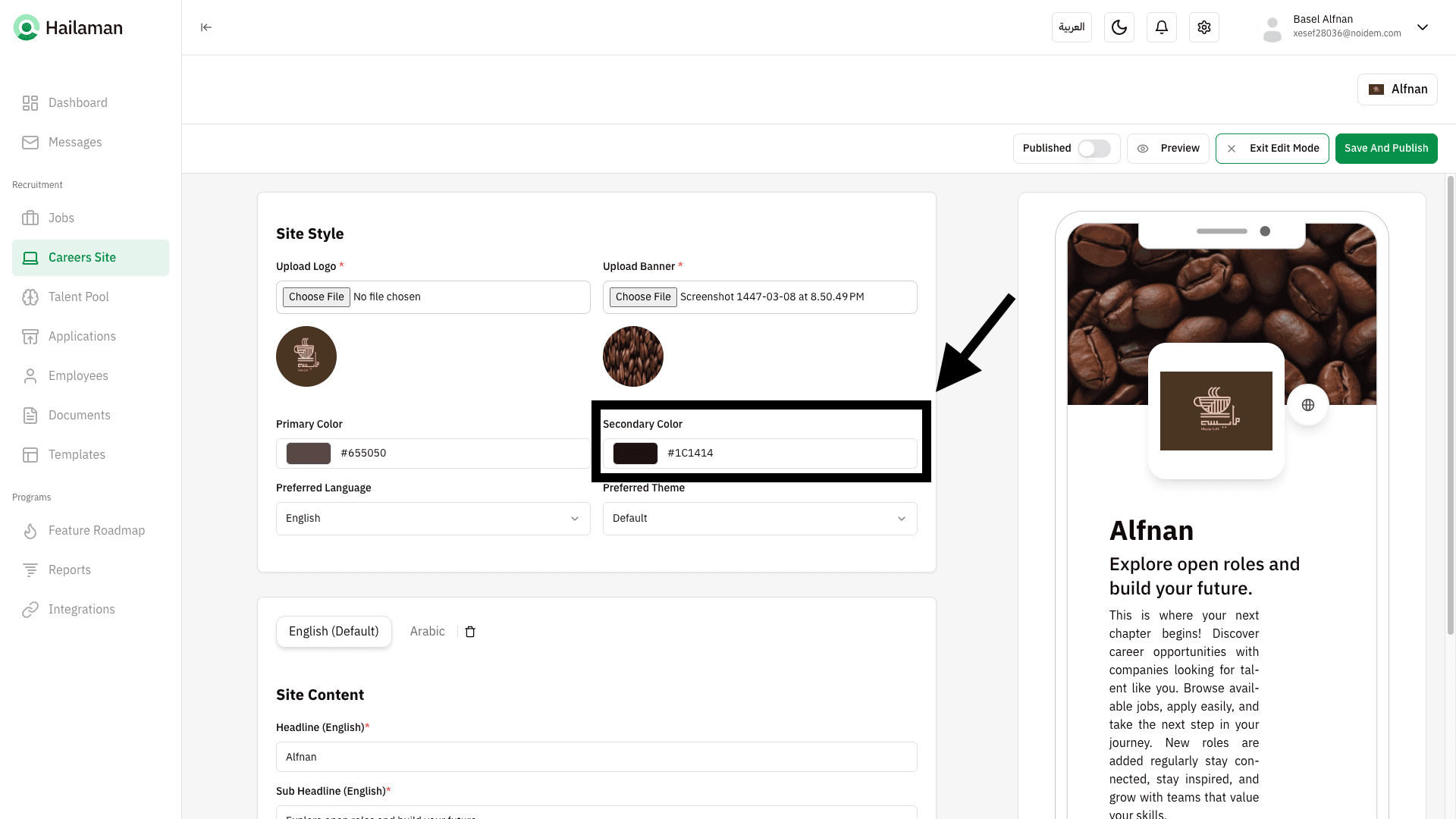
From here, you can set the default language that will be active when the site loads.
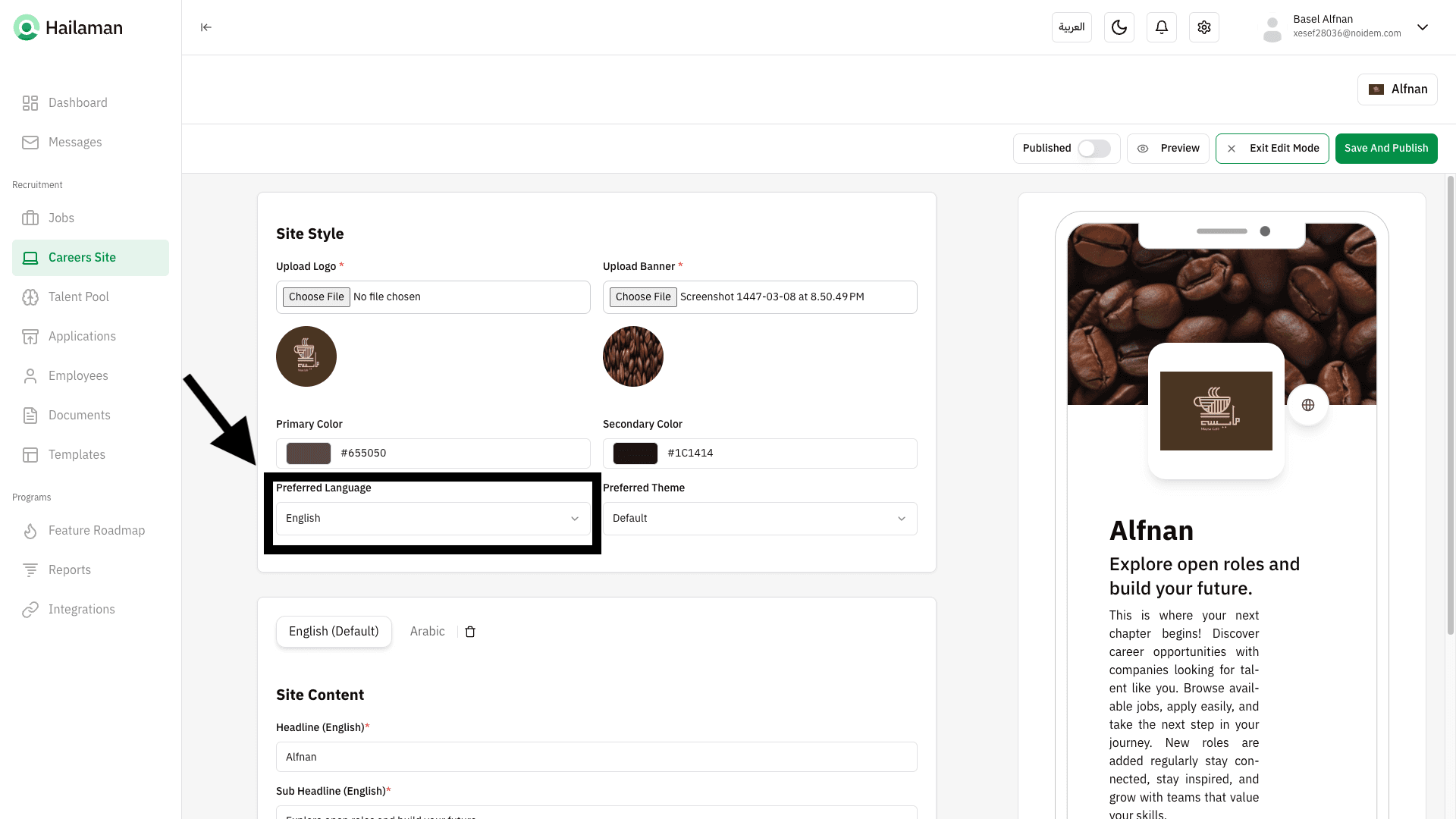
From here, you can select your preferred theme to display on the site.
From here, you can add all company details and information that others will see in both Arabic and English.
Additionally, the system generate by default the company-specific texts to save time and effort.
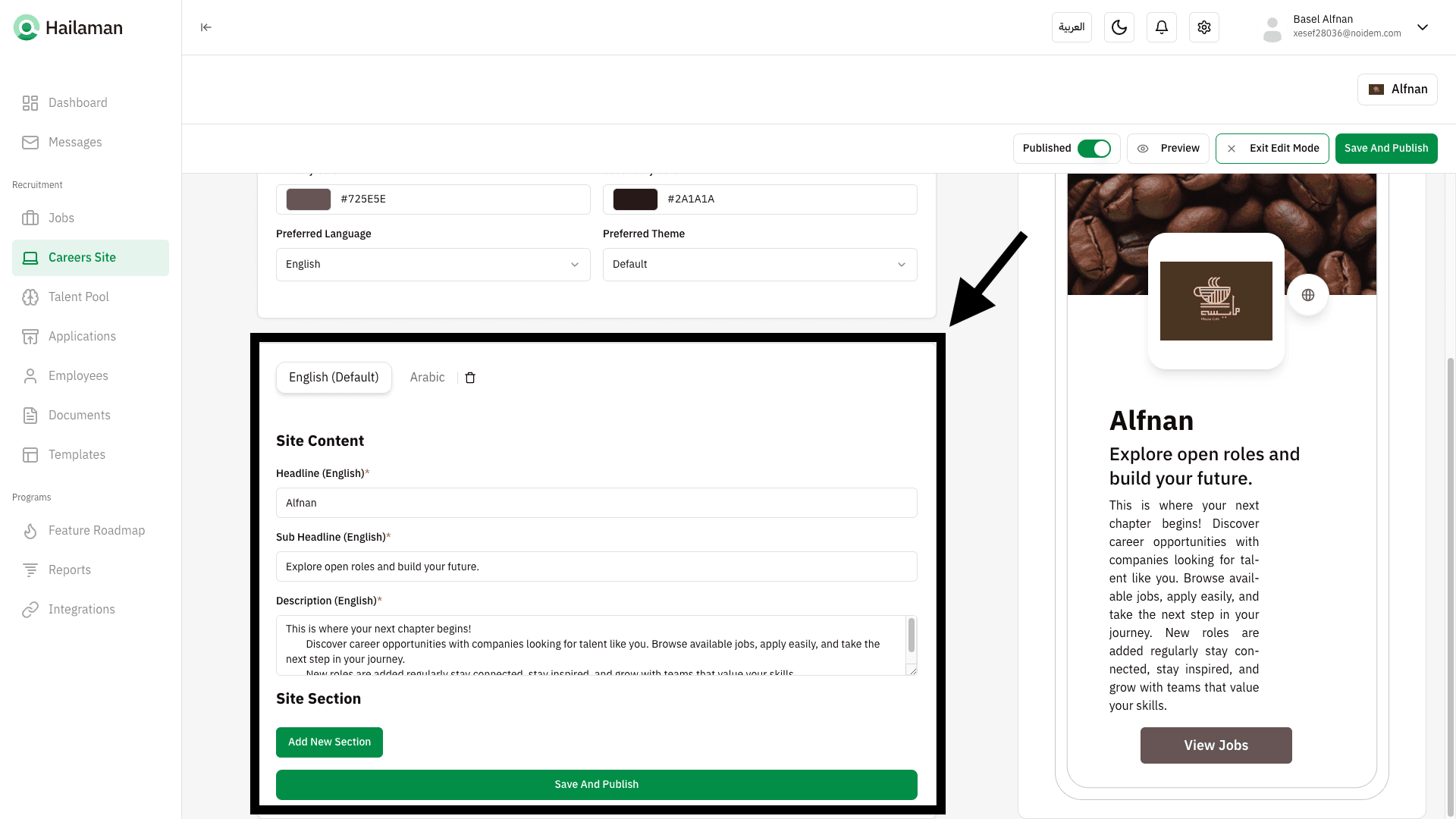
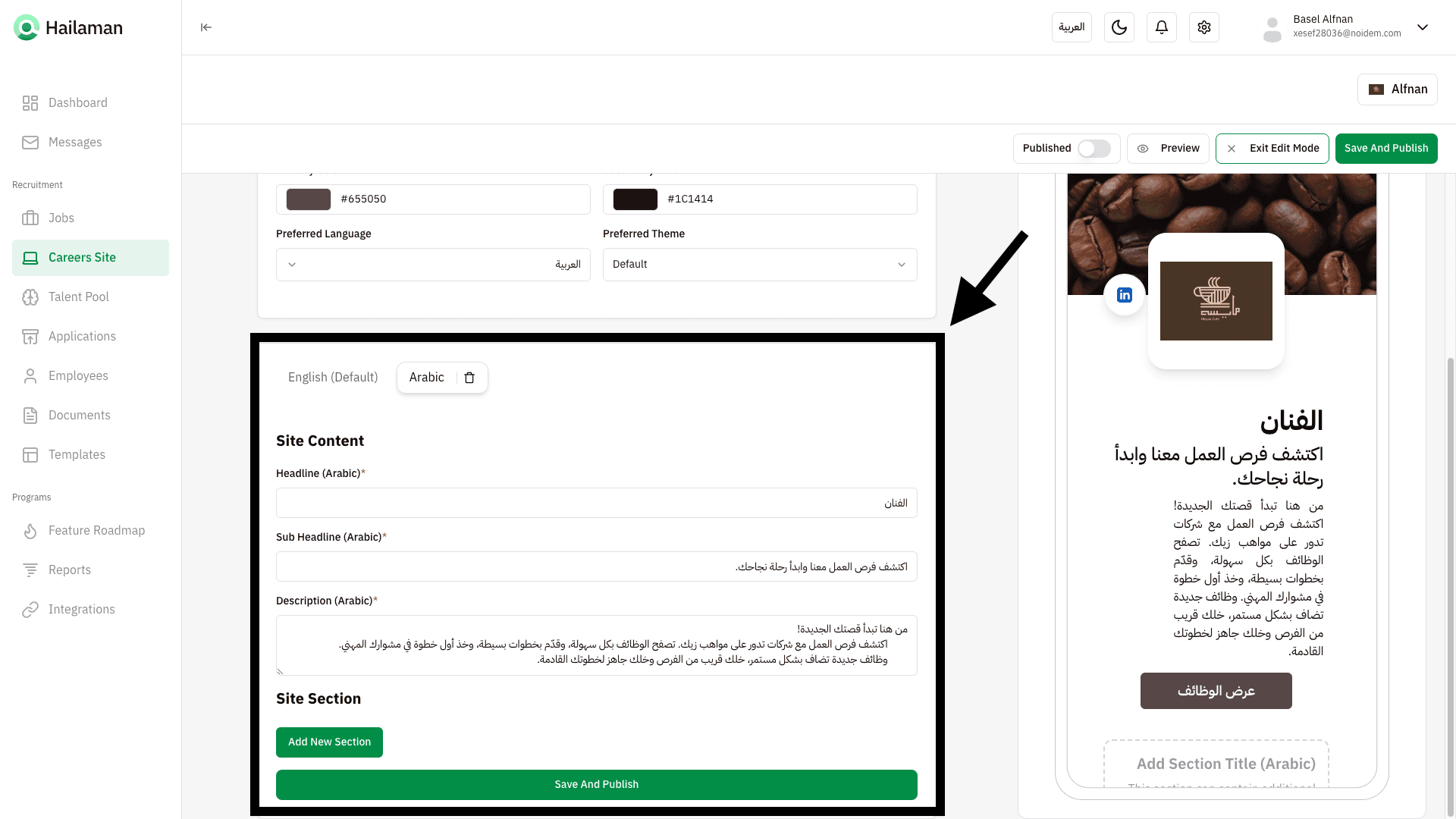
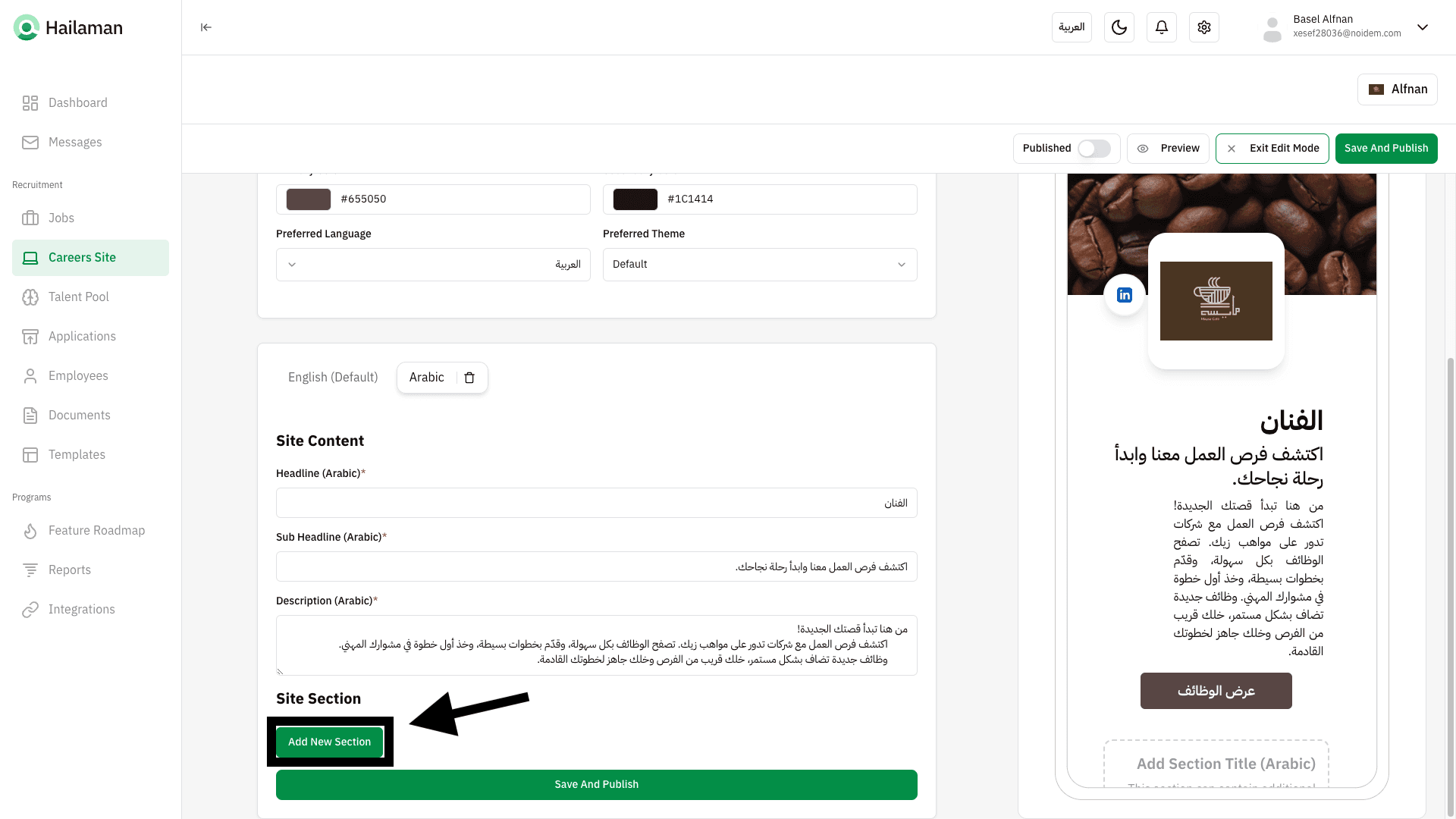
You can also add more sections to the Careers Page in both Arabic and English.
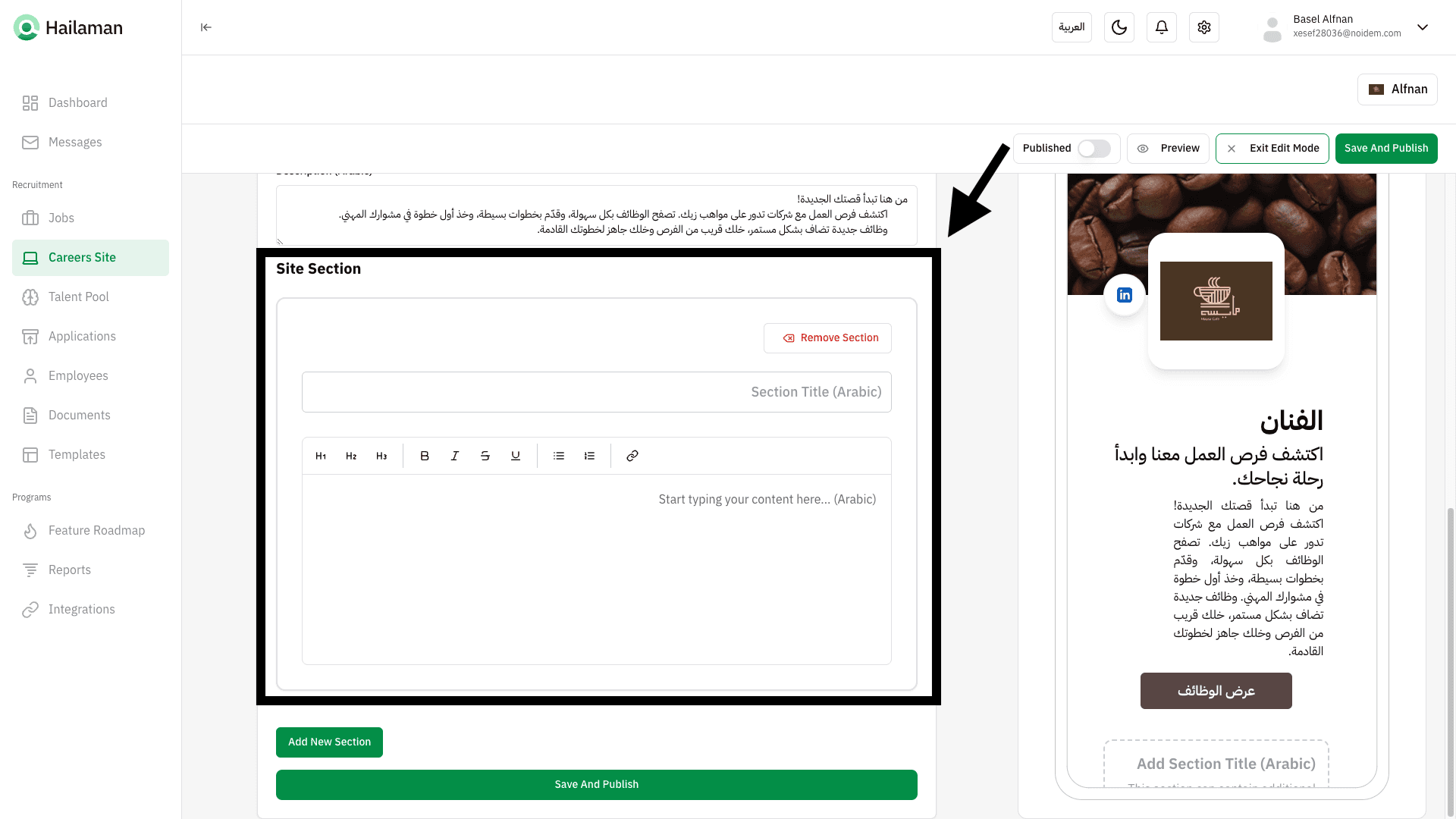
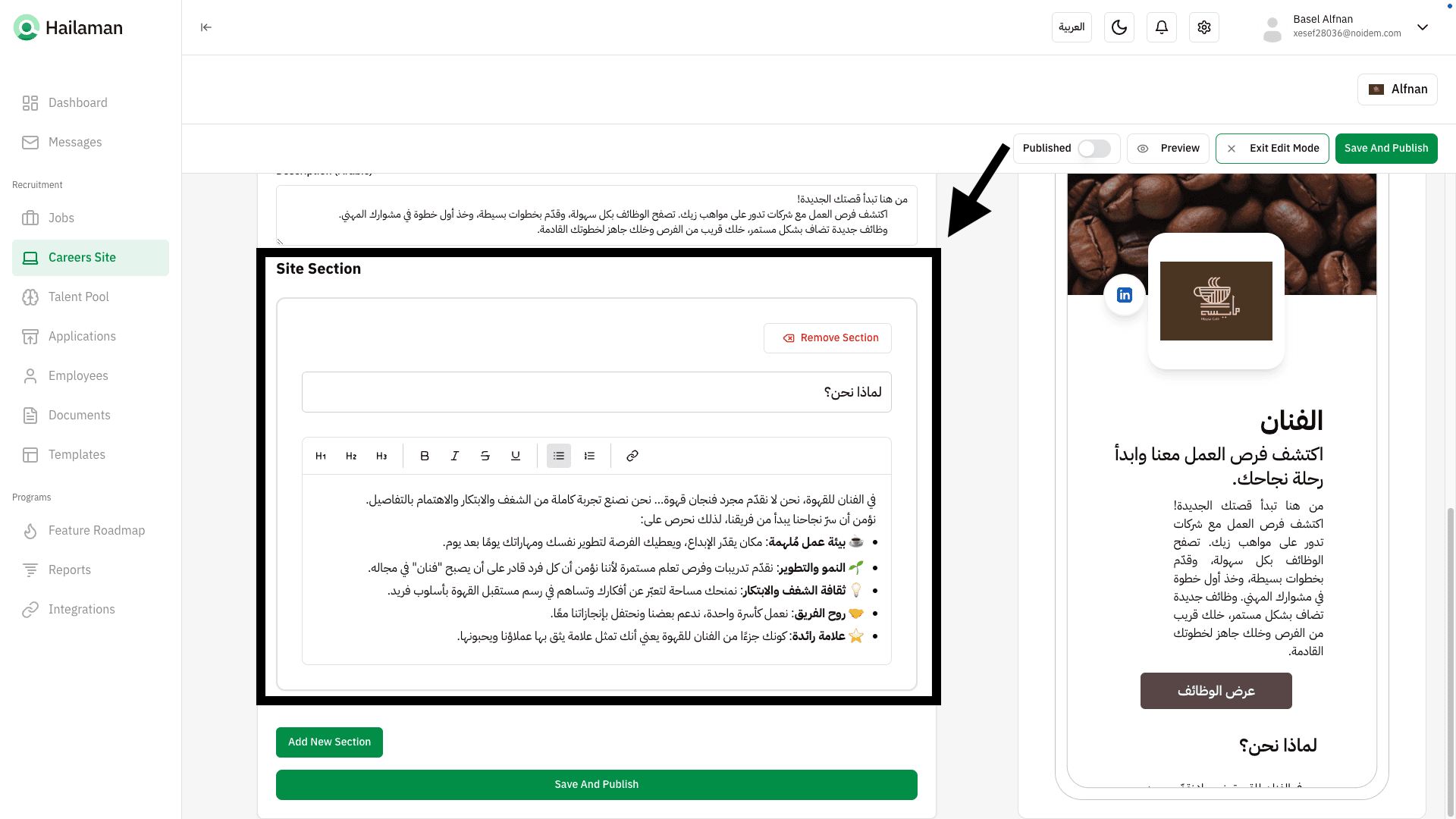
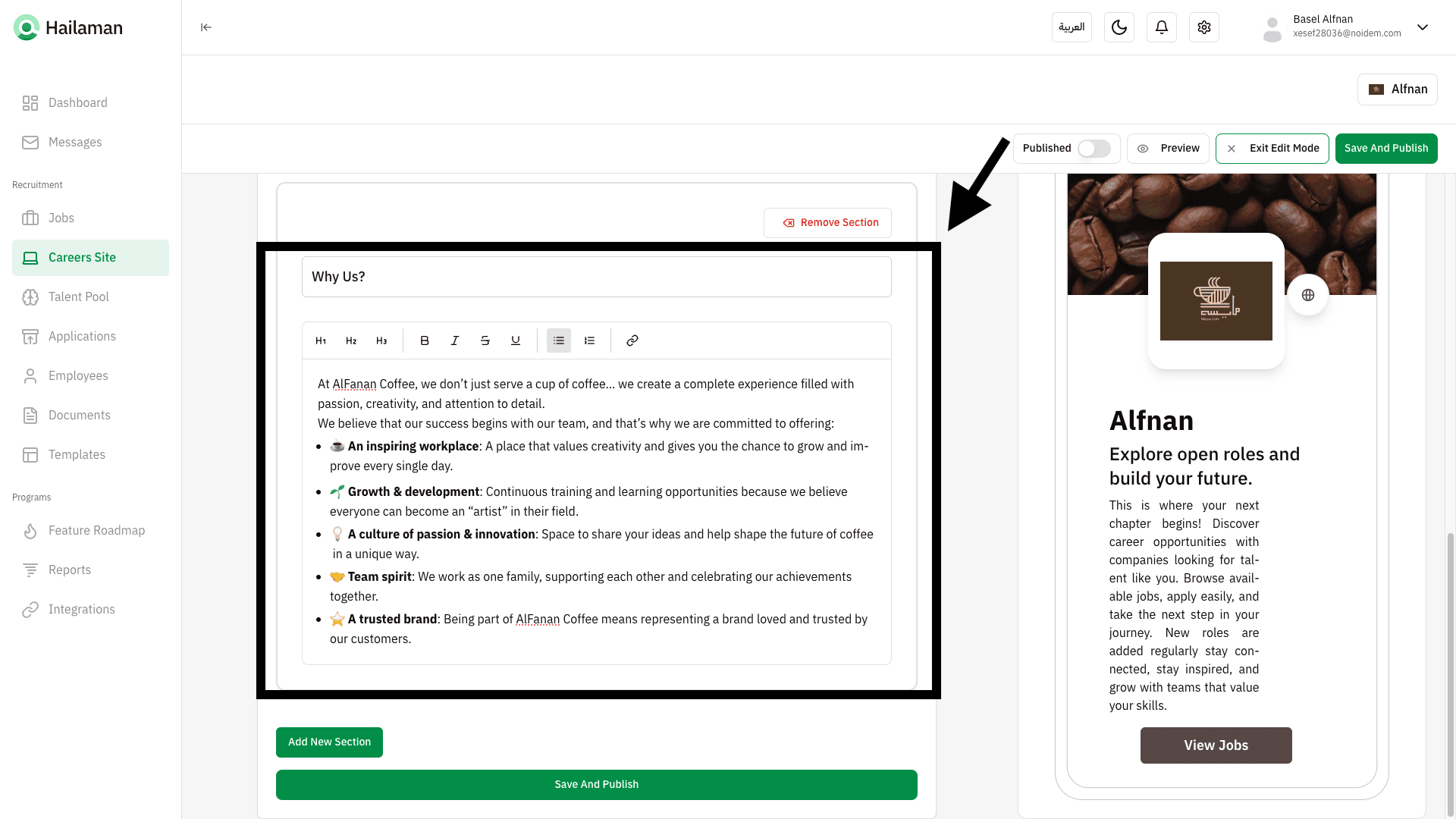
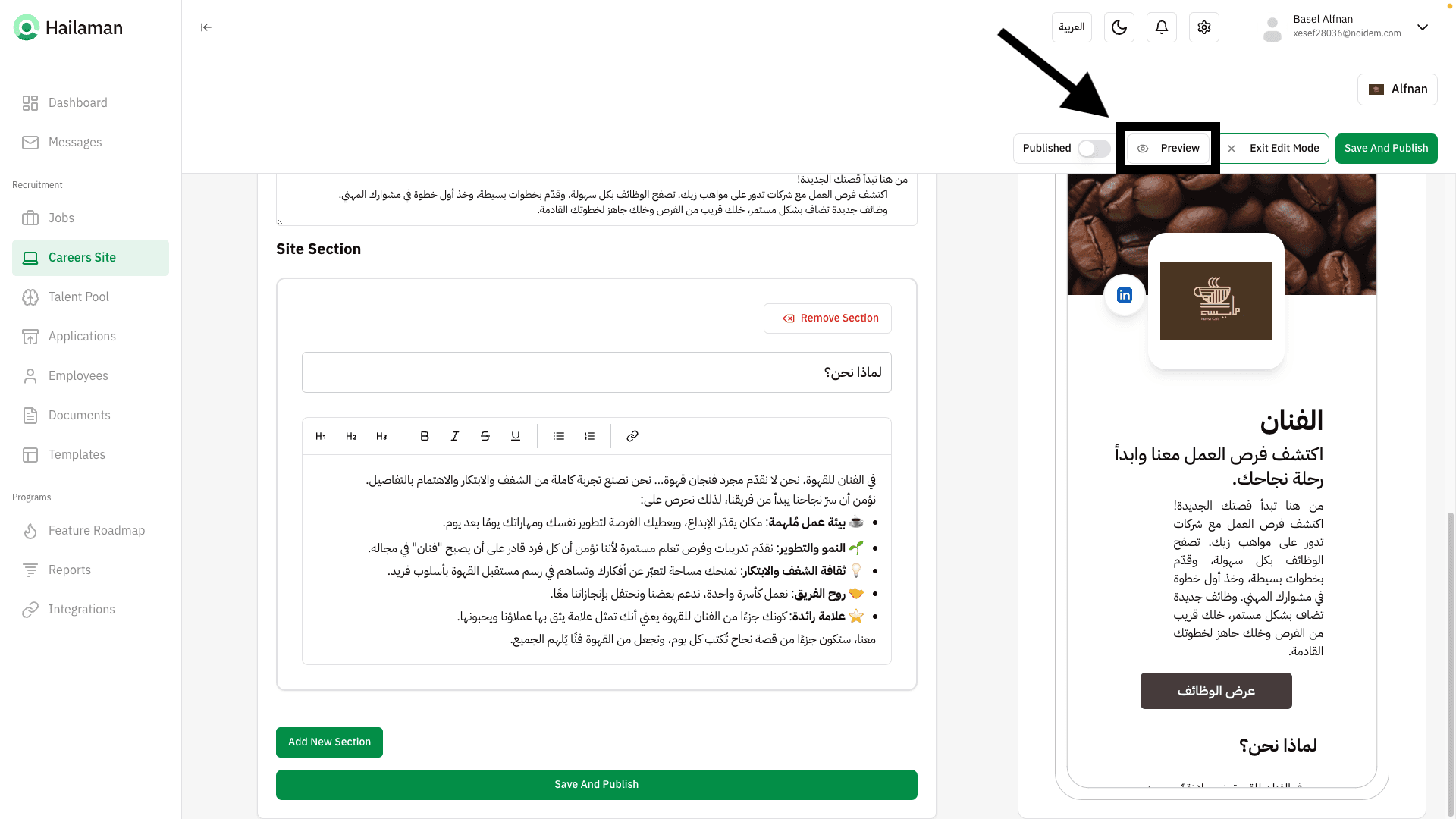
After finishing, you can click on “Preview” to see the content before publishing.
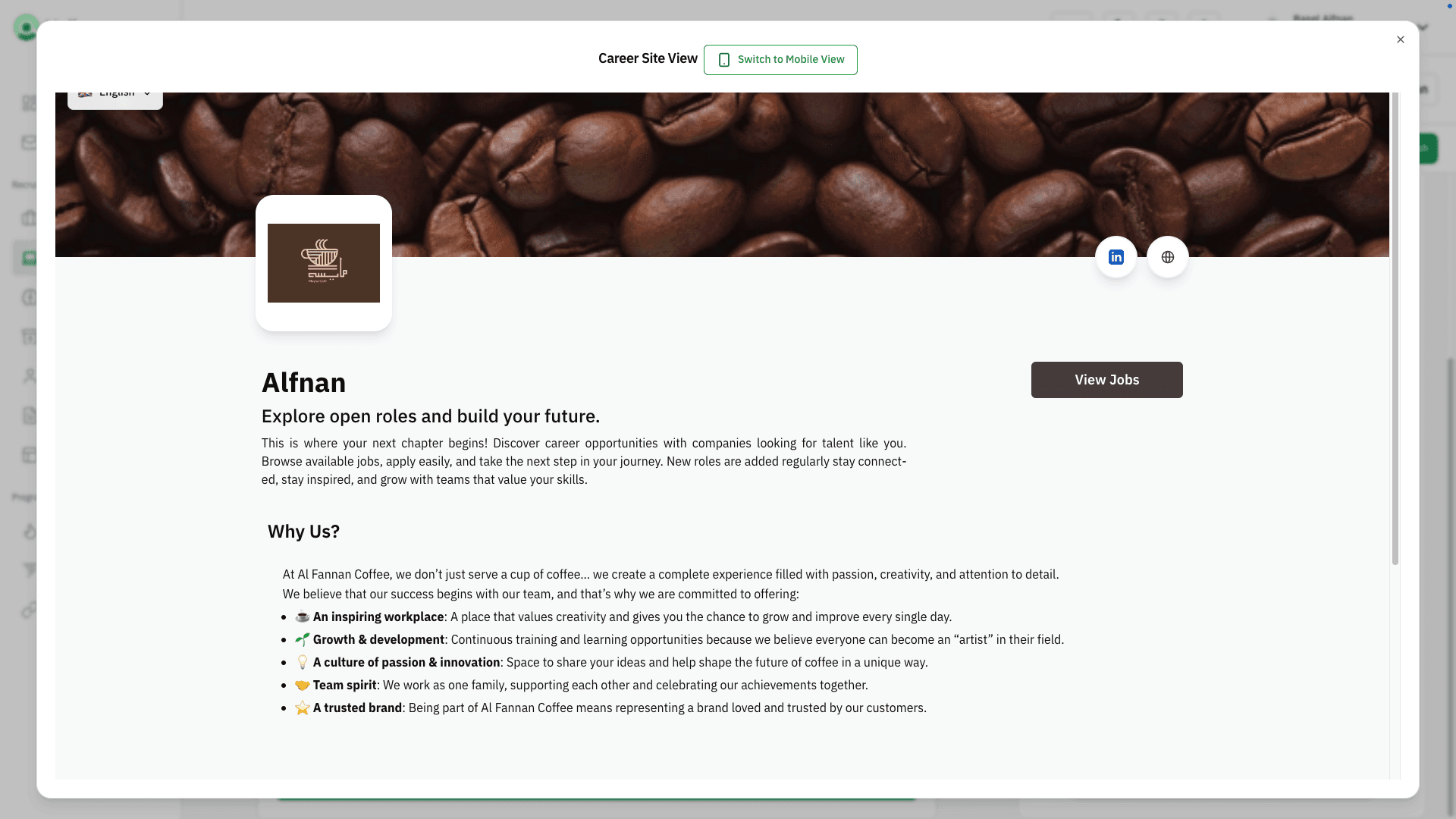
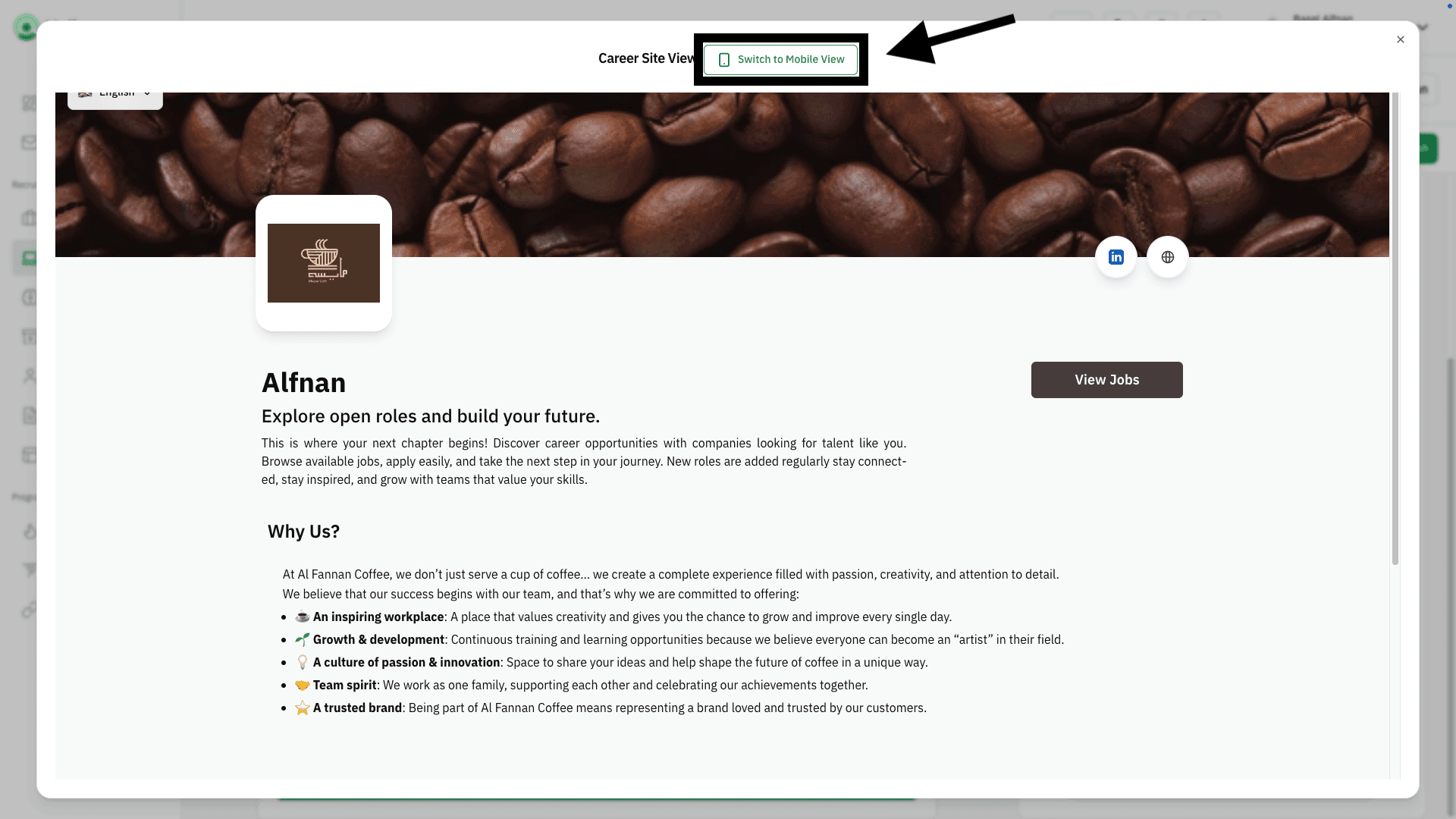
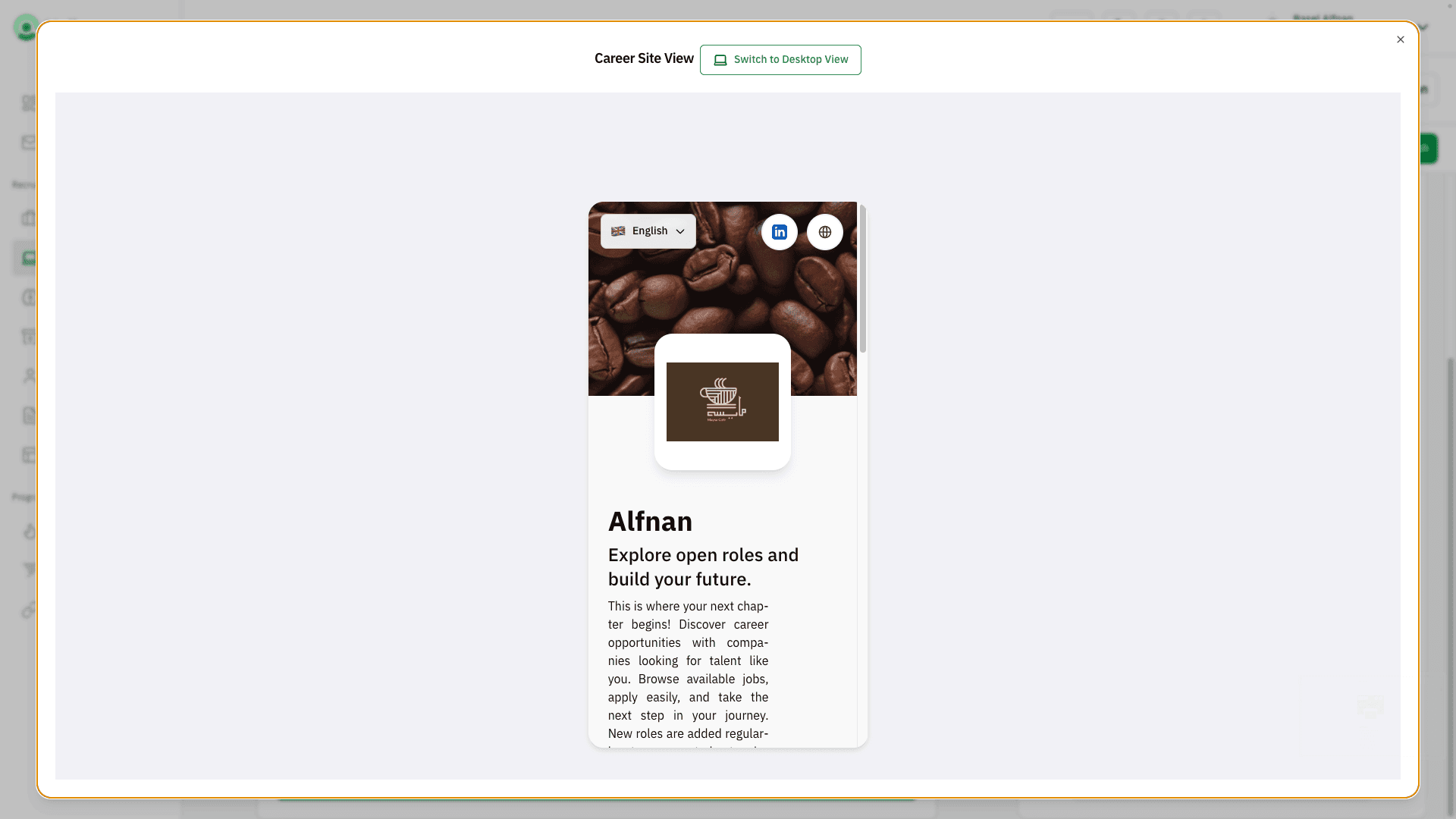
You can also click on “Switch to Mobile View” to see how it appears on mobile screens.
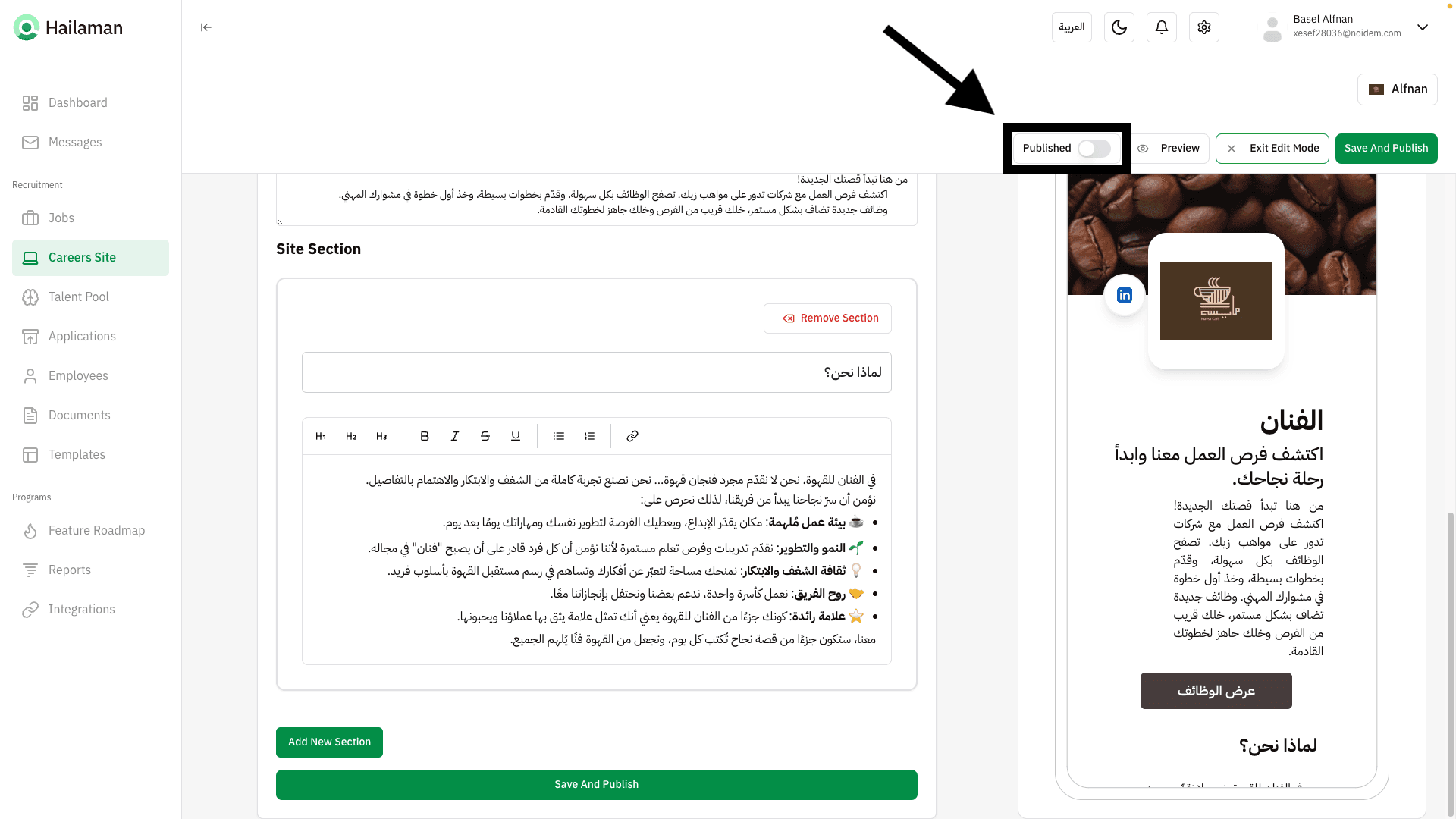
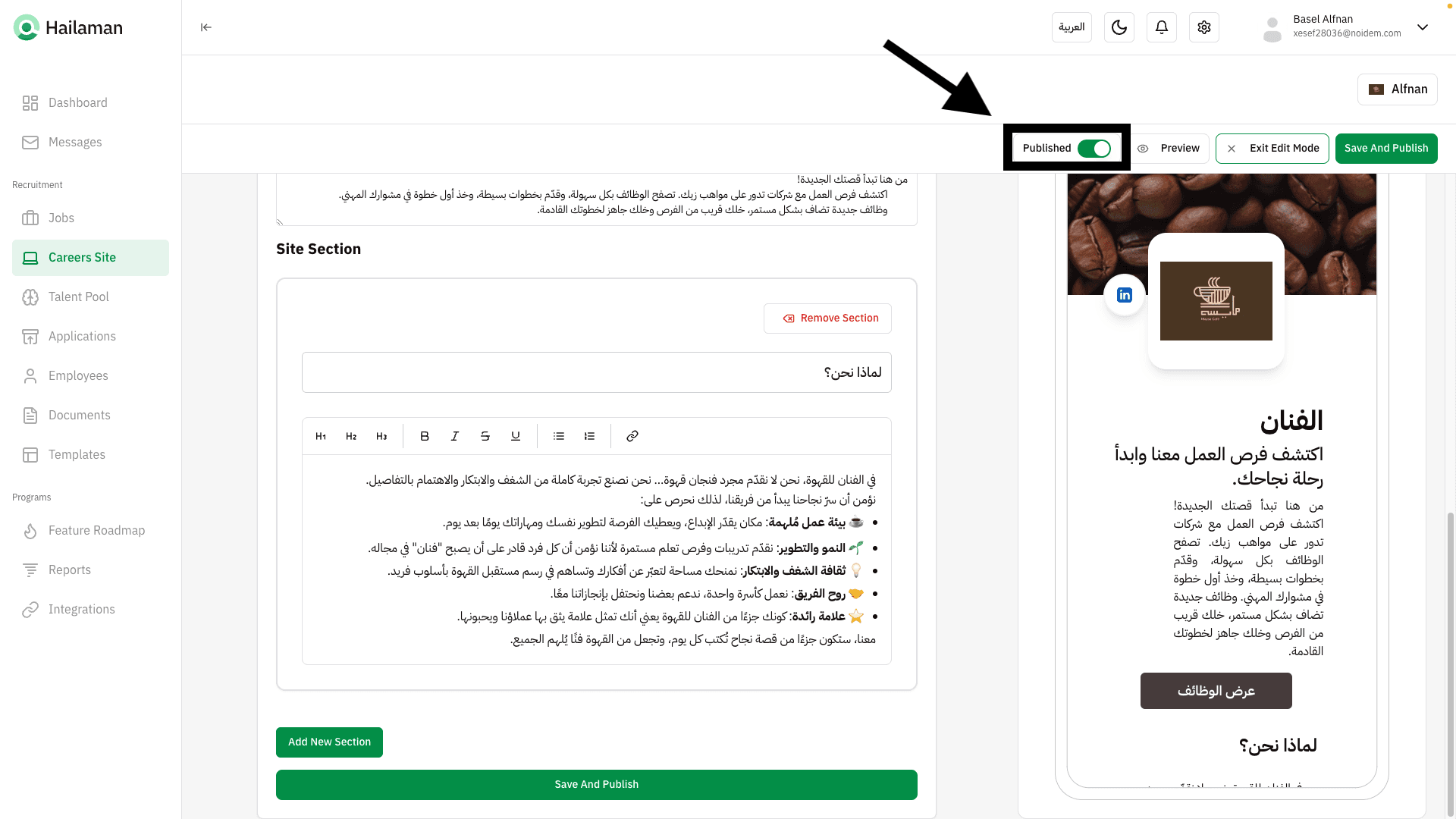
Before saving, make sure to activate publishing by clicking on “Publish” at the top.
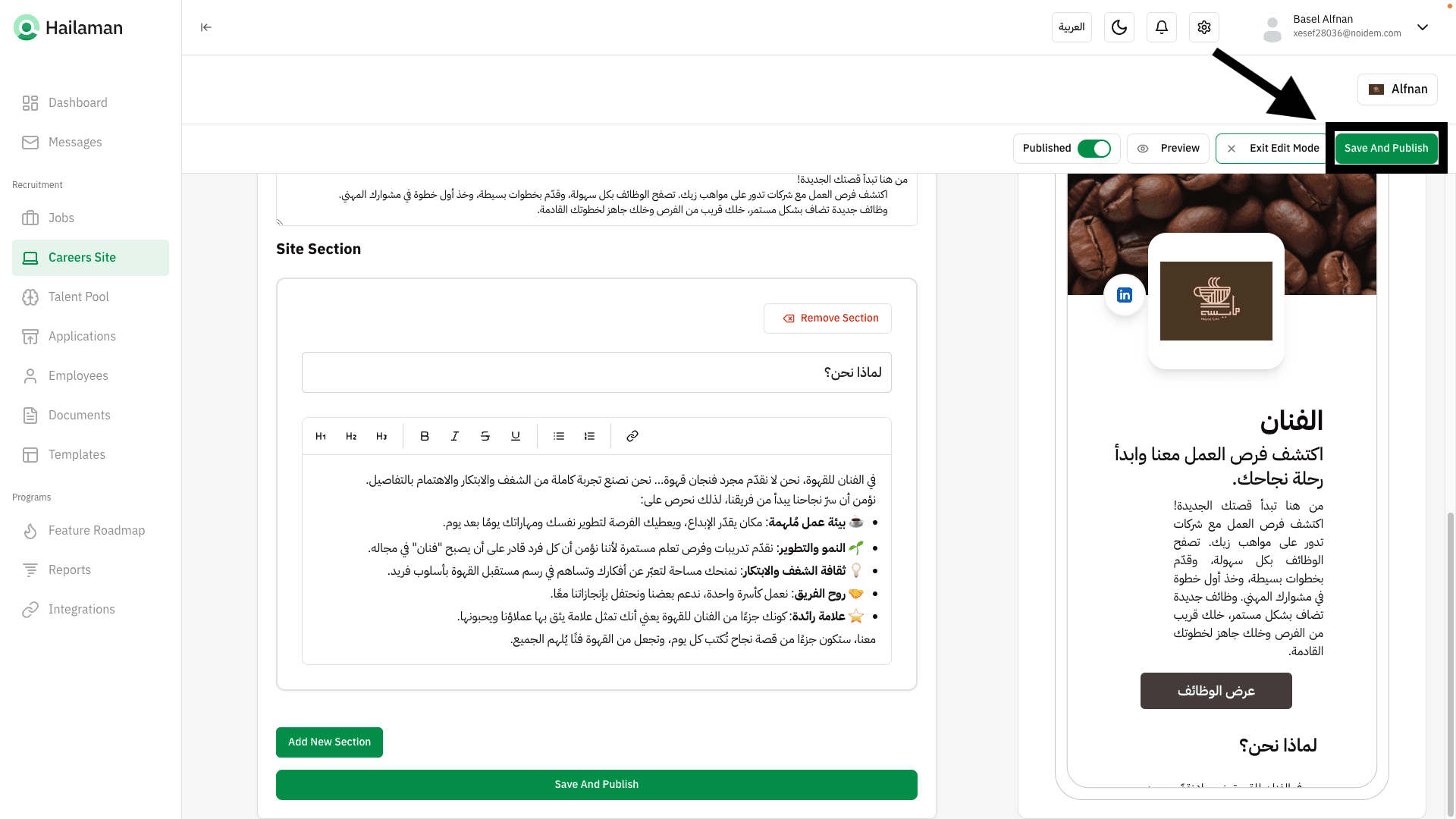
Once done, click on “Save and Publish” at the top.
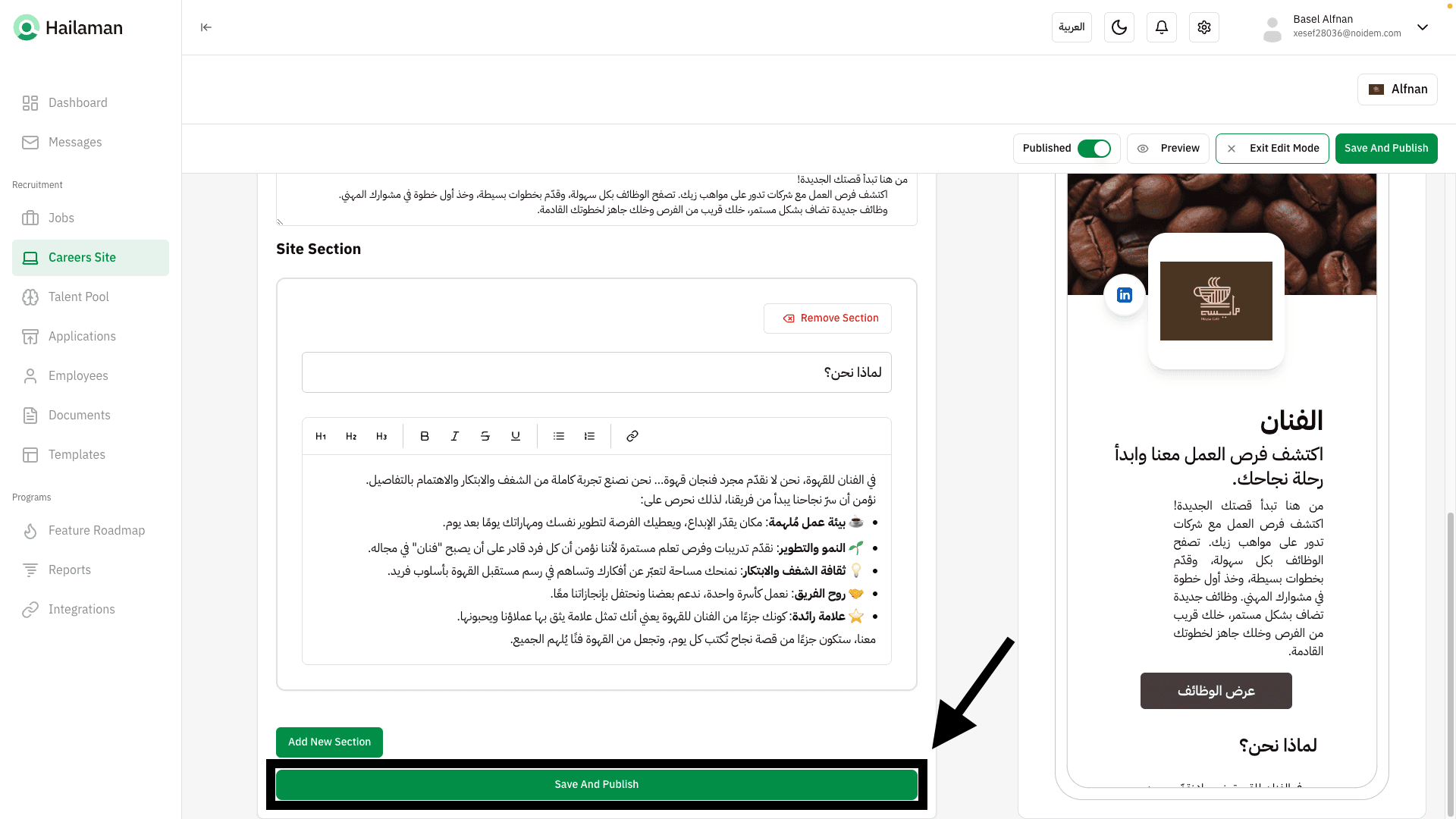
Or you can click on “Save and Publish” from the bottom.
Congratulations 🎉, the page is now published!
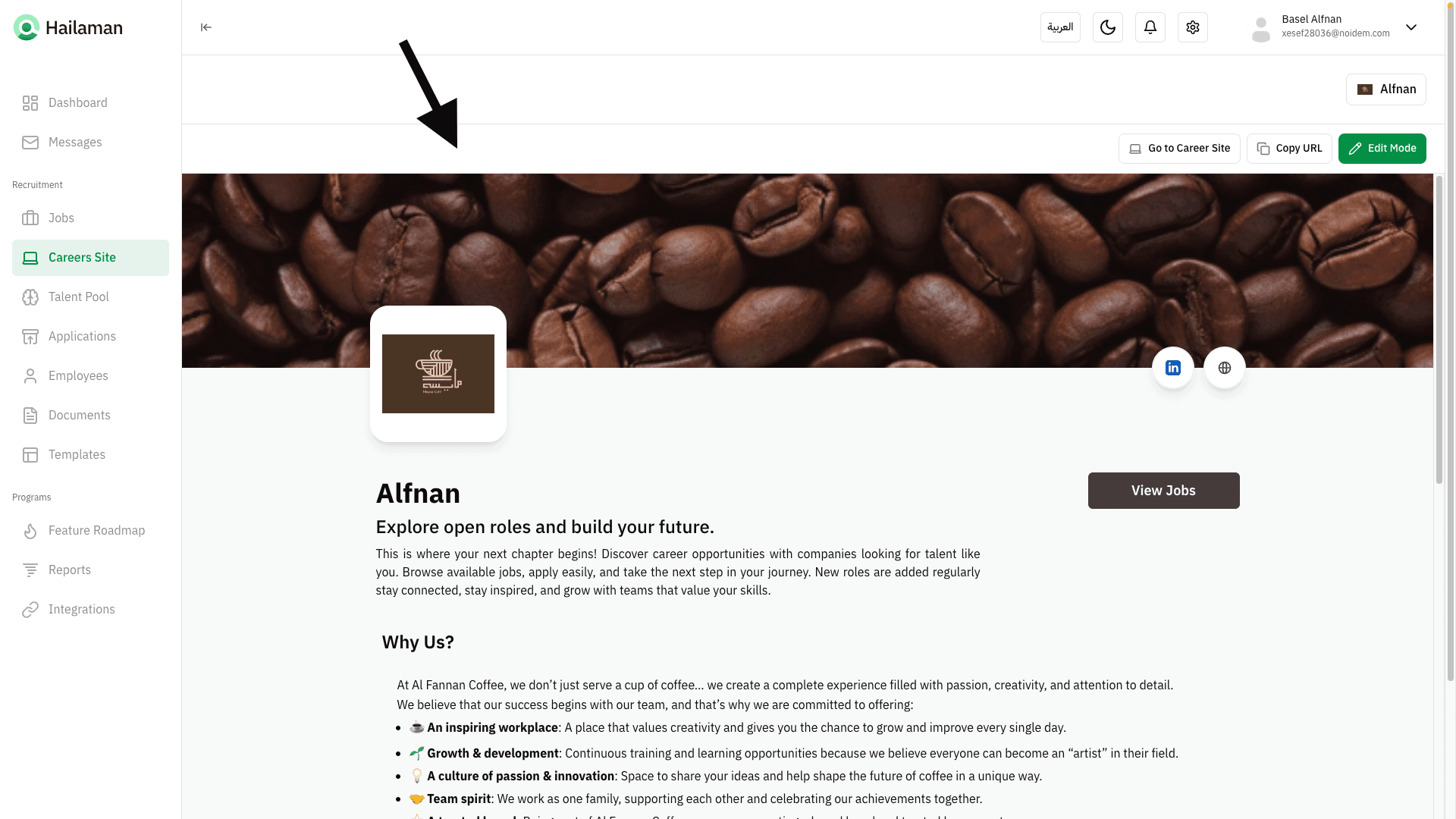
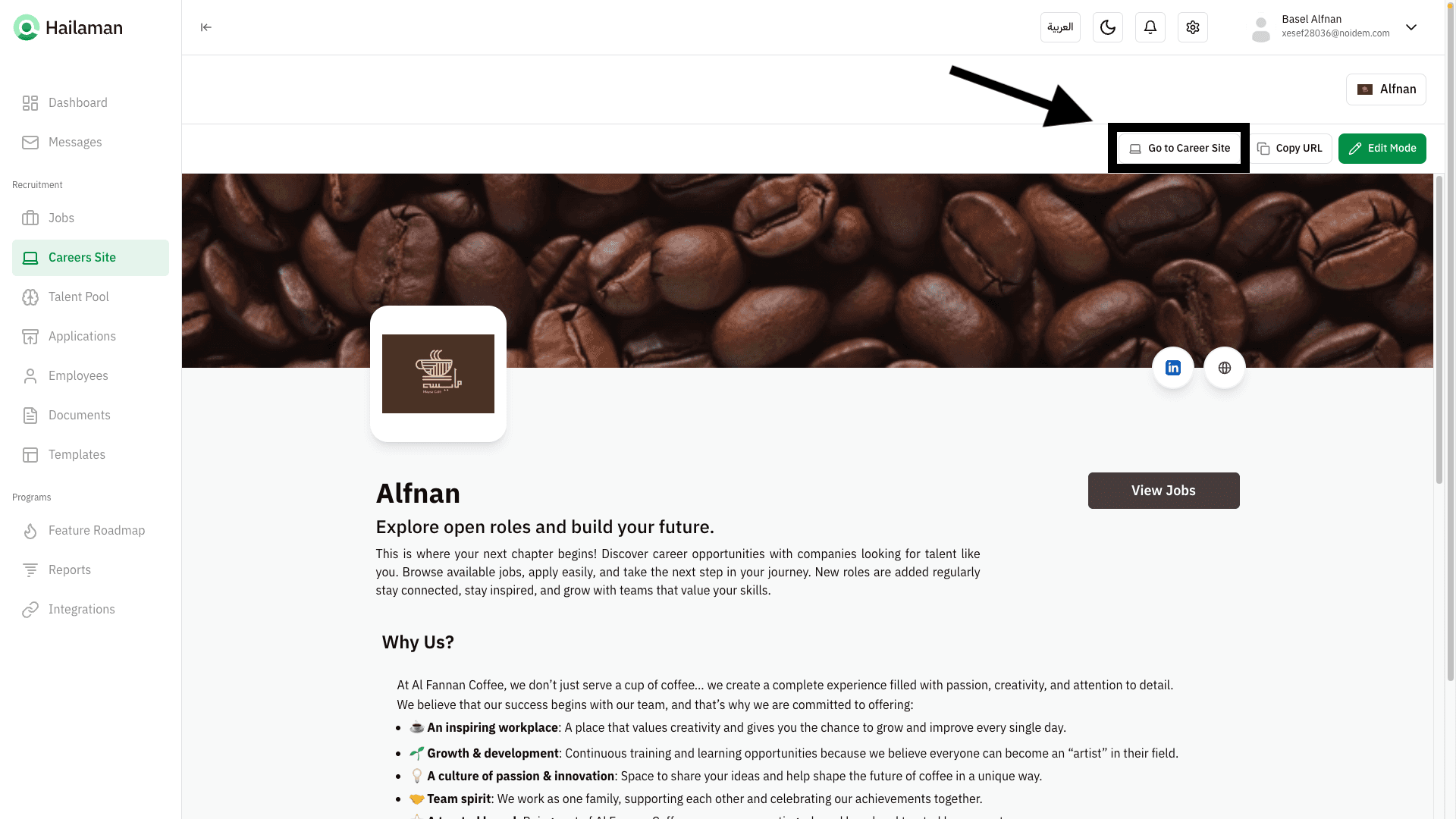
By clicking on “Go to Careers Site”, you can go directly to the company’s page in the browser.
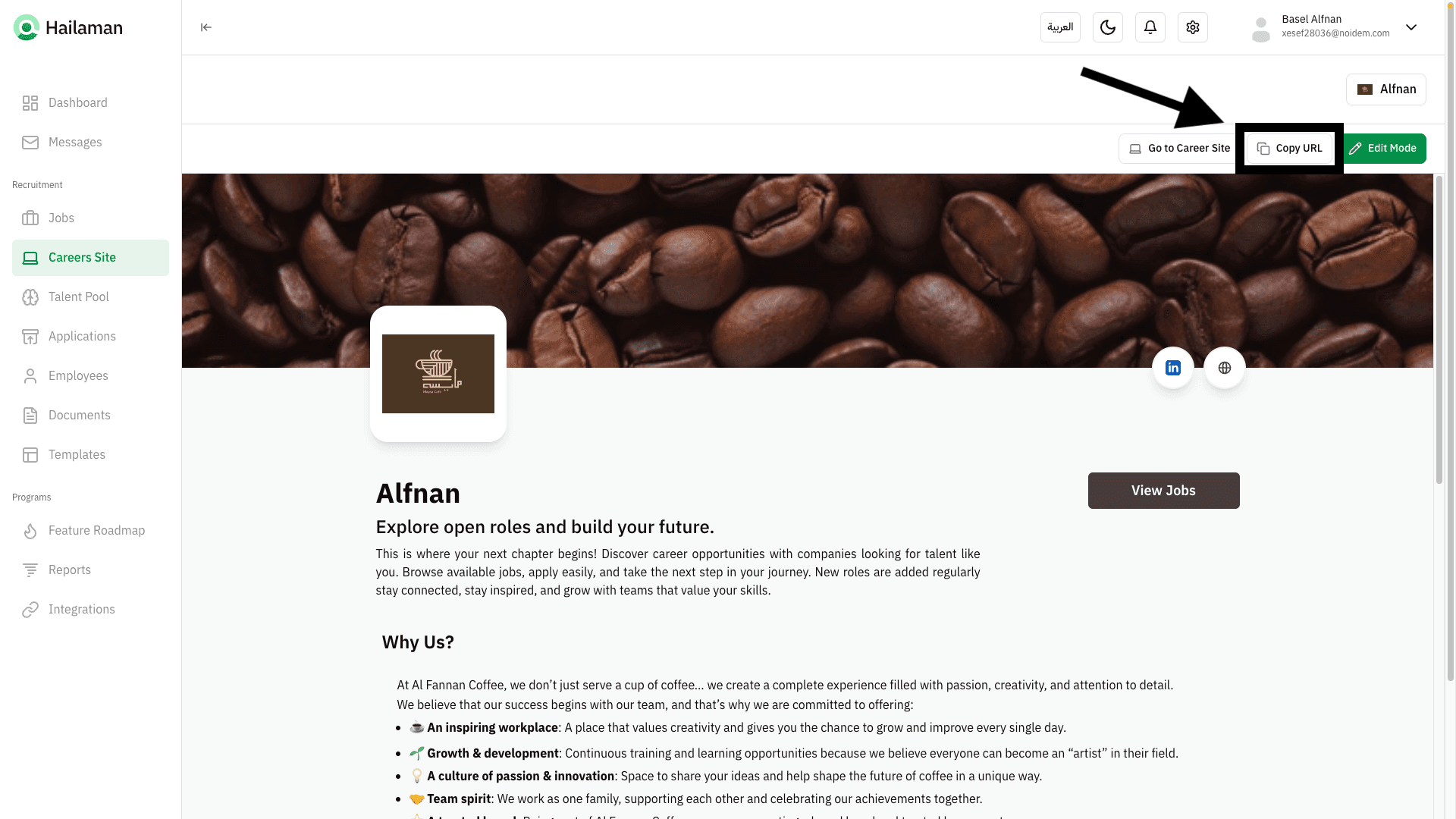
You can also copy the page link and share it with others.
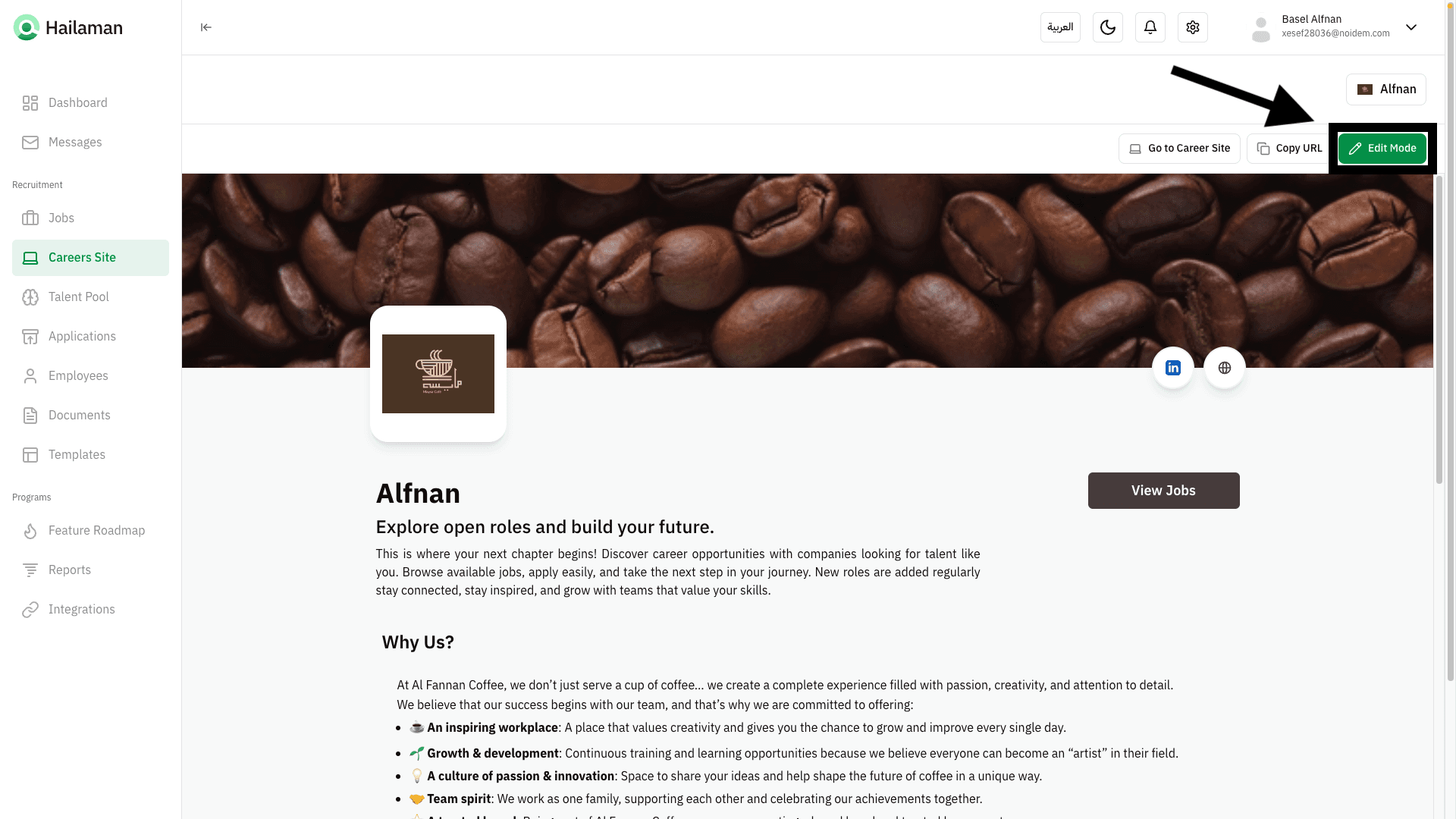
If you want to return and edit the page, you can click on “Edit Mode”.
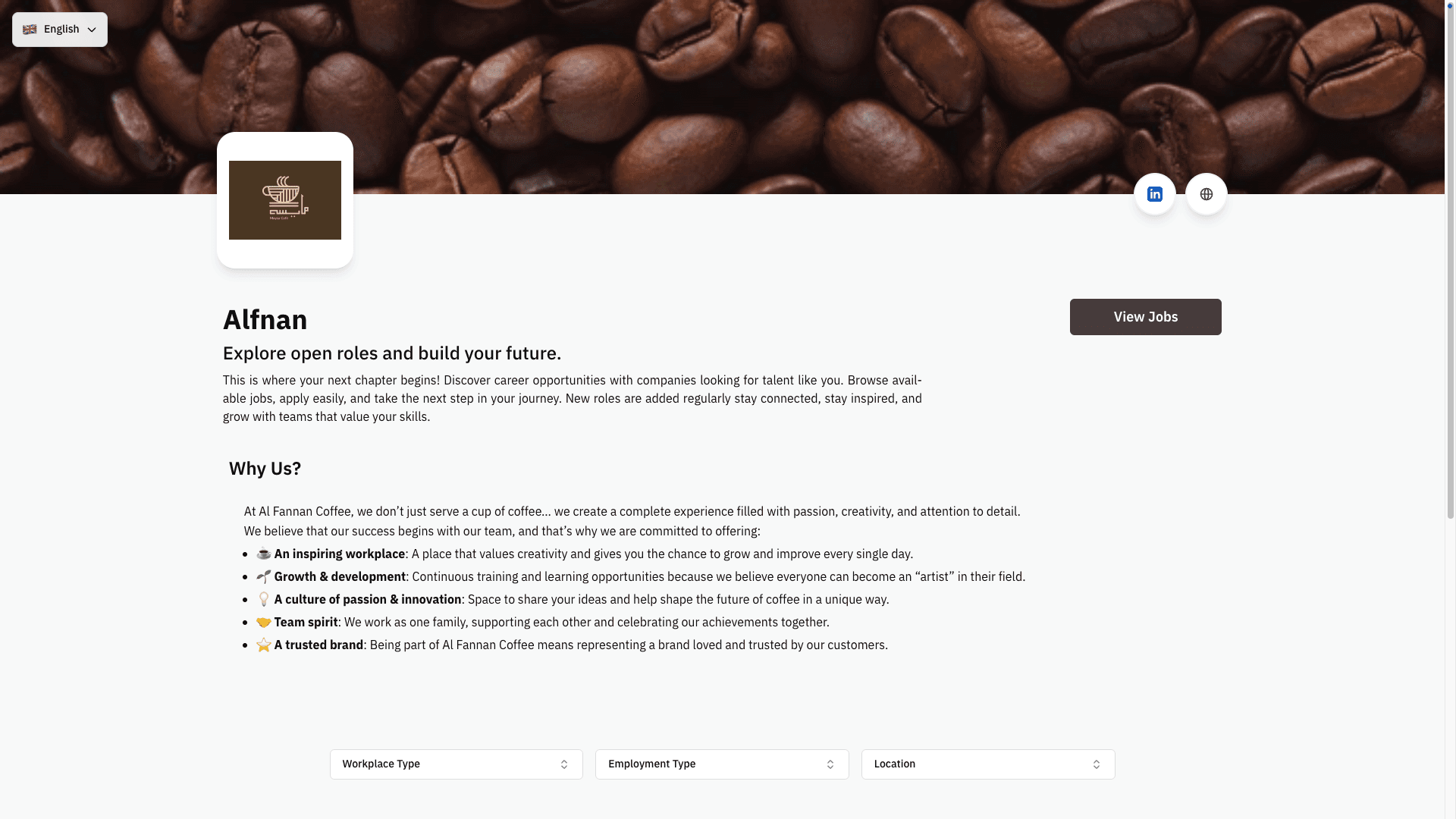
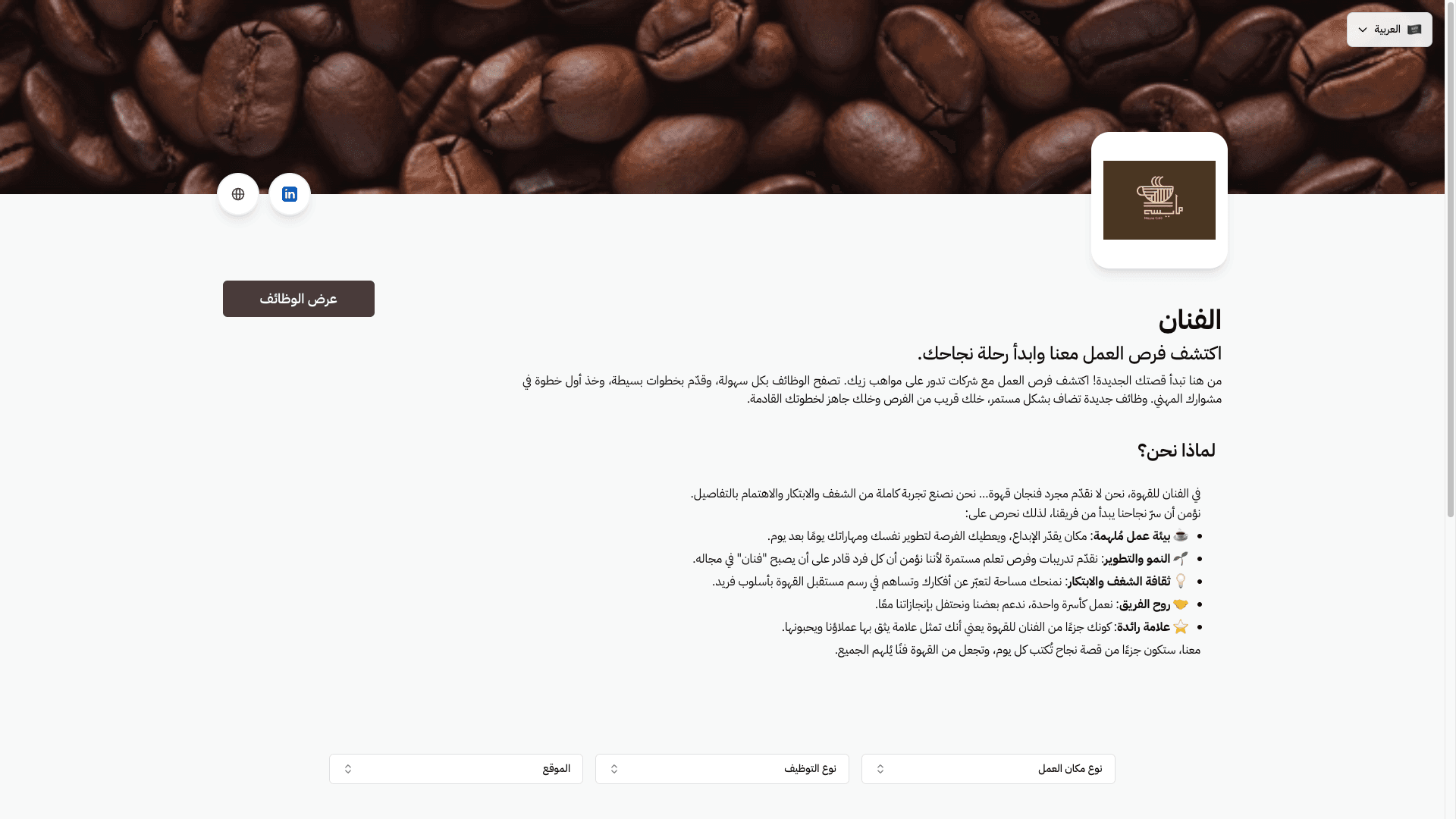
Here you can see the page in the browser in both Arabic and English, and also LinkedIn and website of the company.
Join Us Hailaman ATS
Any other questions? Get in touch